Best AI visual editors for real codebases (2026): Onlook vs Builder.io vs Anima
The third kind of AI build tool nobody groups together: visual editors that edit your REAL code, not a sandbox. Onlook, Builder.io Fusion, Anima, Tempo and Figma Make compared — drag-and-drop and design polish that lands as commits in your own Next.js + Tailwind repo, so it fits a Claude Code + git workflow instead of replacing it.

Solo operator · one-person venture studio in Europe (SEO · affiliate · micro-SaaS) · 17 July 2026 · updated 17 July 2026 · 6 min read

There are actually three kinds of AI build tool, and most roundups only cover two. There are agentic coders that edit your repo from the terminal (Cursor, Claude Code), and prompt-to-app builders that generate an app in their own sandbox (Lovable, Bolt, v0). This is the missing third category: visual editors that edit your real code — you drag, restyle and click, and the change lands as a commit in your own Next.js + Tailwind repo. For a solo who already builds with AI, that’s the difference between a tool that fits your workflow and one that forks it.
How I evaluated these. For a solo already coding with AI, a visual editor should: work on a real Next.js
- Tailwind codebase (not a sandbox you can’t leave), commit through git so it fits version control, and add the design layer that text-driven agentic coding is clumsy at. Pricing and features below are indicative 2026 and change fast — verify on each tool, and start with a free/open-source option.
At a glance
| Tool | Best for | Works on your real code? | Cost |
|---|---|---|---|
| Onlook | Editing your own Next.js + Tailwind repo | ✅ yes (open-source) | Free (self-run) |
| Builder.io Fusion | Long-lived codebases, PR-per-change | ✅ yes | Paid (team-oriented) |
| Anima | Figma → clean React/Next code | Converts design → code | Free tier · paid |
| Figma Make | Starting from a Figma design system | Generates from design | Needs paid Figma seat |
| Tempo Labs | Canvas editing for React/Next teams | ✅ yes | Paid |
1. Onlook — the open-source “Cursor for designers”
Onlook

Onlook is the standout for a solo who already codes with AI. It’s open-source and free to run locally, and it works on top of any Next.js + Tailwind project — import an existing repo or start fresh. You edit right in the DOM: drag-and-drop blocks, a toolbar for Tailwind styles, and right-click any element to jump to its exact place in the code. There’s an AI chat for generation too. The decisive difference from a sandbox tool: it edits your real code, so it composes with a Claude Code + git-worktree workflow instead of replacing it.
Pros: open-source and free; edits your actual repo; DOM drag-drop + Tailwind toolbar + right-click-to-code; fits a git/AI-coding workflow. Cons: you run it yourself (dev setup, not a hosted click-and-go); newer, so the ecosystem is younger. Best for: solos who already build with AI and want a visual layer on their own code, at no cost.
2. Builder.io Fusion — the codebase-native, PR-per-change option
Builder.io Fusion
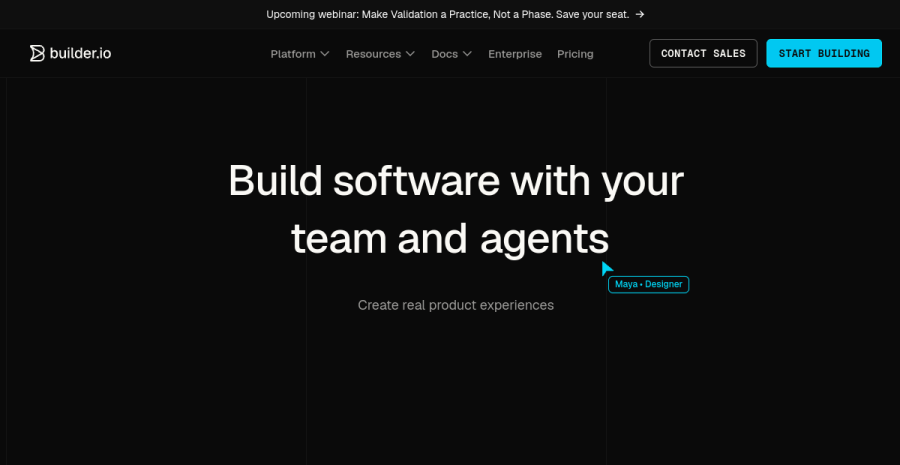
Builder.io’s Fusion runs the same prompt-and-visual loop directly on your codebase: edit one project by prompt, a visual canvas, or a local editor, and each change becomes a pull request, with the preview being your real app. It’s built for long-lived codebases rather than one-off demos — more managed and more enterprise than Onlook, and priced accordingly.
Pros: works on your real repo; PR-per-change fits code review and version control; built for durable projects, not throwaway demos. Cons: more enterprise and paid; heavier than a solo often needs early on. Best for: solos (or small teams) with a real, growing codebase who want visual editing inside a proper git/PR flow.
3. Anima — the design-to-code route (Figma → clean React/Next)
Anima
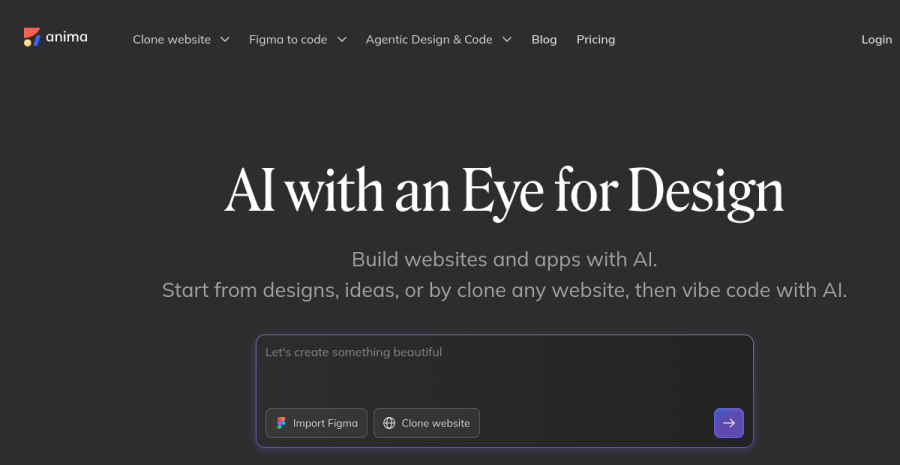
Anima comes at it from the design side: it converts Figma into React/Next.js code, with a strong emphasis on design quality (its pitch is explicitly “not AI-slop”). It’s widely used among designers who want the handoff to produce genuinely usable components rather than a mess. If your source of truth is a Figma file, this is the cleaner path into code than editing a repo directly.
Pros: design-quality focus; popular, mature with designers; Figma → usable React/Next. Cons: it’s a design-to-code converter, not a live editor of your running repo; you still integrate the output. Best for: solos who design in Figma first and want that to become clean front-end code.
4. Figma Make & MagicPatterns — starting from the design system
Figma Make
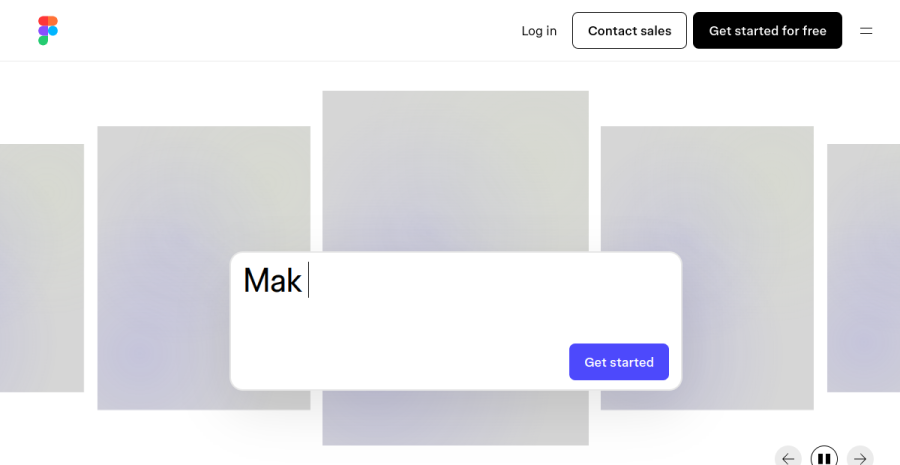
If you already pay for Figma, Figma Make gives the most native, design-system-driven workflow — you start from the macro and generate outward, the most “visual” of all these. MagicPatterns is a sibling option when you’re working from an established design system. Both suit a design-led solo whose starting point is a polished mockup, not an empty editor.
Pros: smoothest for existing Figma users; design-system-native; very visual. Cons: Figma Make needs a paid Figma seat; you’re anchored to the Figma ecosystem. Best for: design-led solos who start from Figma.
5. Tempo Labs — the canvas editor for React/Next
Tempo Labs

Tempo is a canvas editor for React/Next, positioned for teams. By reports it’s less mainstream than Onlook or Builder.io, but worth a look if a visual canvas over your components is the specific thing you want and the others don’t click.
Pros: visual canvas over real React/Next; team-oriented features. Cons: smaller adoption than the leaders; paid. Best for: solos/teams who specifically want a component canvas and don’t gel with the others.
How to choose
| If you… | Use |
|---|---|
| Already code with AI and want a free visual layer on your repo | Onlook |
| Have a long-lived codebase and want PR-per-change | Builder.io Fusion |
| Design in Figma and want clean React/Next code out | Anima |
| Live in Figma and start from the design system | Figma Make |
| Specifically want a component canvas | Tempo Labs |
The blunt version: Onlook if you already build with AI and want a free visual layer on your own code — it’s the one that composes with a Claude Code + git workflow. Builder.io Fusion when the codebase is real and durable. Anima / Figma Make when your starting point is a design, not a repo. Start with the open-source option to learn the workflow before you pay for anything.
Where this fits
This is the third pillar of building with AI as a solo, alongside the agentic coders (the logic layer) and the prompt-to-app builders (zero-to-MVP). The full model — which to reach for at your stage — is in vibecoding for solopreneurs. And the bottleneck, as ever once building is cheap, is getting found and getting paid.
Bottom line
The category to know: visual editors that edit your real code, not a sandbox. Onlook is the best solo start — open-source, free, edits your Next.js + Tailwind repo, and fits an AI-coding + git workflow. Builder.io Fusion for durable codebases with PR-per-change; Anima and Figma Make when you’re converting a design into code. Pick on the one question — edit your repo, or convert a design into it — and keep the vibecoding discipline whichever you choose.
The full vibecoding model for solopreneurs →
Cross-links: the other two pillars are agentic coders and prompt-to-app builders; the model that ties them together is vibecoding for solopreneurs.
Frequently asked questions
How are these different from Lovable, Bolt or v0?
What is the best AI visual editor for a solo developer?
Do these replace Cursor or Claude Code?
Are AI visual editors free?
Keep reading

Vibecoding for solopreneurs (2026): the best workflow — for beginners and experienced builders
The honest model for vibecoding as a solo — what the best workflow actually is, and how it differs for an inexperienced builder versus an experienced projectologist, including the goals each should chase (and the traps each falls into).
Framer vs Webflow for solopreneurs (2026): which no-code site builder?
Framer vs Webflow, decided for a one-person business — not an agency. Framer wins on speed and design-led output; Webflow wins on CMS depth and pixel control at scale. Which one you actually need, honestly, plus the EU hosting and GDPR angle.
Idea to MVP in a weekend (2026): the solo vibecoding sprint
A realistic, time-boxed plan to take one idea from nothing to a shippable MVP in a weekend with AI — what fits in 48 hours, what does not, and how to use the build to validate instead of just to build.
Everything here is free. If something saved you time, you can support the author — no product, no signup.