Best AI website builders for solopreneurs (2026): build a site from a prompt
You describe the site, the AI builds it. The best AI website builders for solopreneurs who want to build a website with AI and no developer — compared honestly, with an EU hosting angle.

Solo operator · one-person venture studio in Europe (SEO · affiliate · micro-SaaS) · 12 June 2026 · updated 12 June 2026 · 11 min read

Something genuinely shifted in the last year: you no longer start a website from a blank template, you start it from a sentence. “Build me a one-page site for a freelance UX consultant in Tallinn” and thirty seconds later there’s a structured, mobile-friendly draft with copy, sections and placeholder images. For a team of one, that’s not a gimmick — it’s the difference between launching this week and “I’ll get to the website eventually.”
But let’s be honest about what AI website builders do well and badly for a solo. Well: they obliterate the cold-start problem, produce a credible first draft fast, and handle the boring scaffolding (nav, sections, responsive layout). Badly: the draft is never the finished site. The AI invents facts, writes generic copy, and picks images that aren’t yours. It gets you to 80% of a draft, and the last 20% — your real offer, your tone, your proof — is still your job. Anyone selling “type a prompt, done” is selling you the demo, not the launch.
How I evaluated these. Four questions, in order: How good is the first draft a non-technical solo actually gets? How much editing does it really need before it’s publishable? Do you own the output (real code) or rent the platform? And where does the finished site live — can you host it in the EU? Speed-to-draft is the headline; the other three decide whether the draft becomes a site you’re proud of and in control of.
A note on terms: people say “AI website builder,” “build a website with AI,” and “vibecoding” almost interchangeably now. They’re not quite the same. Some tools build sites (marketing pages on a platform); others build apps (real code you host). I’ve split the list so you can pick by which one you actually need.
The shortlist at a glance
| Tool | Best for | You get | Output |
|---|---|---|---|
| Hostinger AI Website Builder | Site + EU hosting + domain in one | A platform site, hosted | Platform (no code export) |
| Durable | Fastest simple business site | A live site in ~30s | Platform |
| Framer AI | Design-led AI sites | A polished, animated site | Platform |
| v0 (by Vercel) | Developers wanting React/Tailwind | Real component code | Code you own |
| Lovable | Full AI-built web apps (vibecoding) | A working app | Code you own |
| Bolt (StackBlitz) | In-browser AI full-stack apps | A running full-stack app | Code you own |
The first three are platforms — easiest for a non-technical solo, but the site lives on their infrastructure. The last three generate real code you can export and host yourself — more power and ownership, more responsibility.
1. Hostinger AI Website Builder — the pragmatic all-in-one
Hostinger AI Website Builder
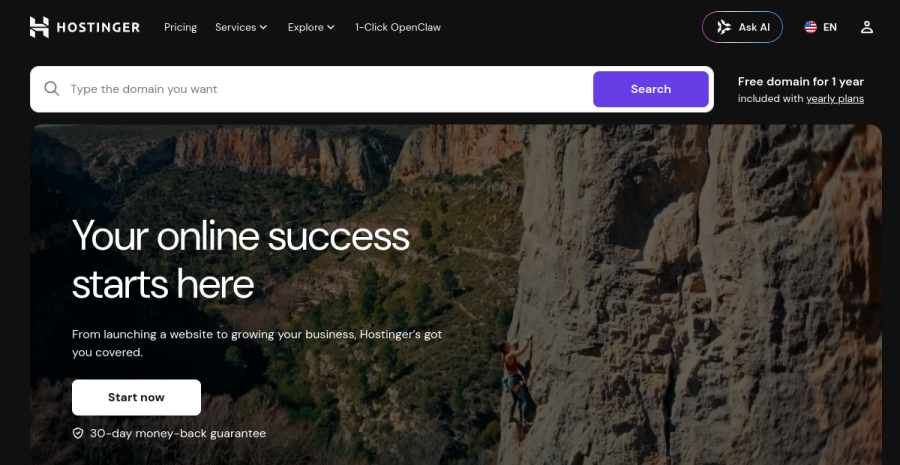
For a non-technical solo, the hard part of an AI-built site usually isn’t the building — it’s everything around it: where it gets hosted, the domain, email, SSL, keeping it online. Hostinger’s advantage is that the AI build, the hosting, the domain and SSL are one purchase. You describe the business, it generates the site, and it’s already living somewhere — no “now export this and figure out hosting” step.
Concrete example. A consultant who has never touched code: answer a few prompts, get a drafted multi-section site, swap in real copy and a headshot in the visual editor, point a free-with-plan domain at it, publish. One login, one bill, online the same afternoon.
Pros: genuinely all-in-one (build + host + domain + SSL); friendly visual editor after the AI draft; EU data centres available; the lowest-friction path for someone who just wants a site that exists. Cons: it’s a platform — you don’t get an exportable codebase, so you’re committed to Hostinger’s editor and infrastructure; the AI draft, like all of them, needs real editing before it’s yours.
Best for: the non-technical solo who wants the site and the place it lives in one place, without thinking about deployment. See also the full web hosting roundup.
2. Durable — the fastest simple business site
Durable
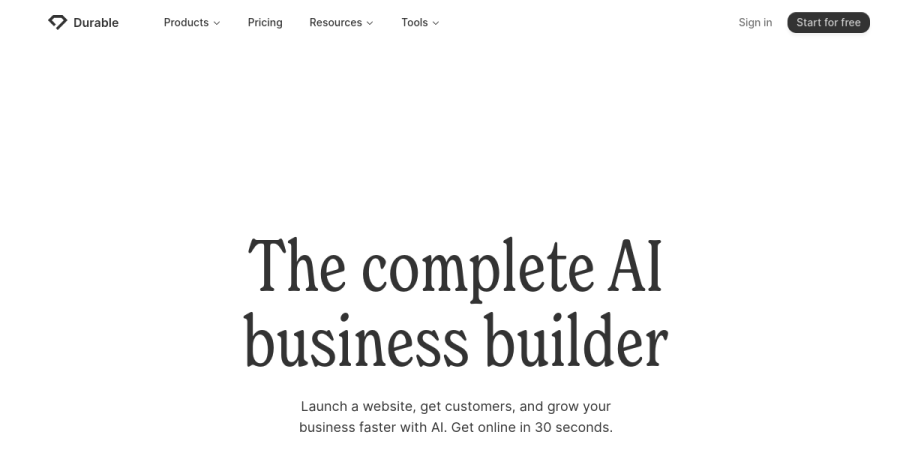
Durable is built around one promise — a complete small-business website in about thirty seconds — and it largely keeps it. Pick an industry, answer a couple of questions, and you have a serviceable plumber/coach/photographer-style site with copy, images and a contact form already wired. For a local service solo who needs a credible online presence yesterday, it’s hard to beat on speed.
Pros: astonishingly fast to a live, presentable site; bundles small-business extras (invoicing, CRM, basic marketing); near-zero learning curve. Cons: the speed comes from strong templating, so sites can feel samey; less design flexibility than a canvas tool; it’s a platform — no code to own and limited portability if you outgrow it.
Best for: local and service businesses that need a good site fast, not a bespoke one.
3. Framer AI — design-led AI sites
Framer AI
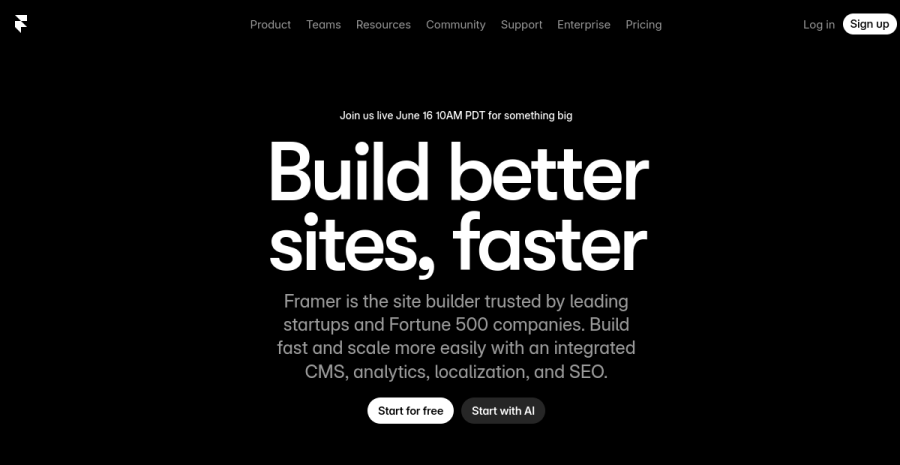
Framer layers AI generation on top of a genuinely strong design tool. The AI gives you a starting layout; the canvas then lets you push it into something that looks intentional — real typography, animation, a CMS. If your business is taste — a studio of one, a portfolio, a product where visual polish is the pitch — Framer produces the best-looking results in this list.
Pros: by far the most design control here; real animations and CMS; the AI draft is a starting point, not a ceiling. Cons: steeper learning curve than Durable or Hostinger; the AI generation is the weakest part of an otherwise design-first tool; again a platform, so no exportable codebase in the developer sense.
Best for: design-led solos whose site must itself demonstrate craft.
4. v0 (by Vercel) — AI-generated React you actually own
v0 (by Vercel)
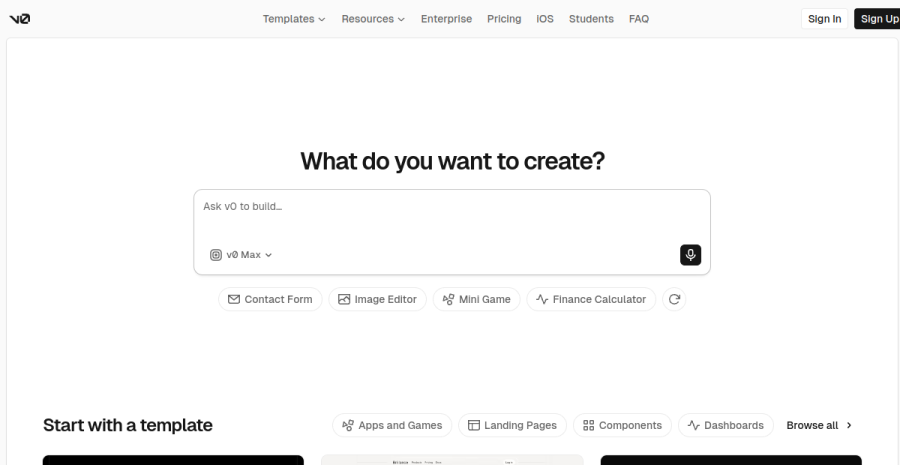
This is where “AI website builder” turns into “AI code builder.” v0 generates real React + Tailwind components from a prompt — and crucially, you get the code. Copy it into a Next.js or Astro project, host it anywhere, own every line. It’s not a no-code tool; it’s an accelerant for people who are comfortable with (or willing to learn) a real frontend stack.
Pros: generates genuine, editable React/Tailwind you fully own and can host anywhere; pairs naturally with Vercel/Next.js deployment; excellent for components and page sections. Cons: you need developer literacy — this assumes you can wire and host the code; it’s component-/page- oriented, not a one-click “whole site live” platform.
Best for: technical (or aspiring-technical) solos who want AI speed and real ownership of the codebase.
5. Lovable — full AI-built web apps (vibecoding)
Lovable
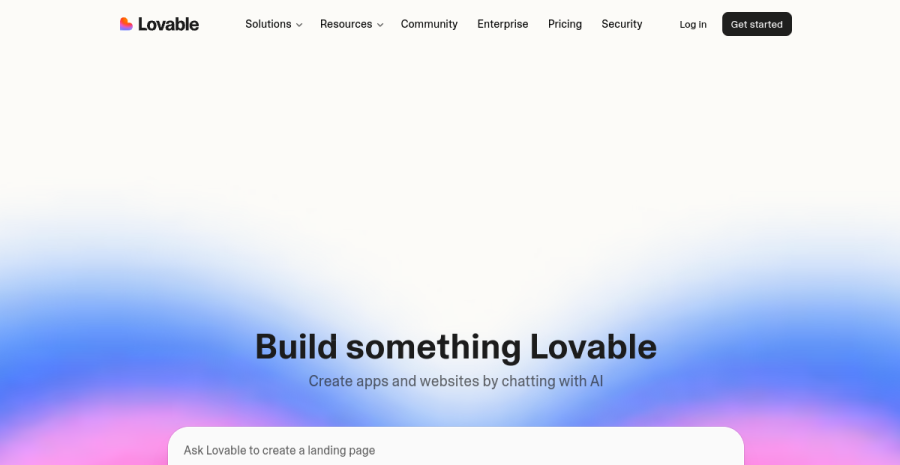
Lovable is the poster child for vibecoding — you describe an app, not a page, and it builds a working full-stack project (frontend, backend, database) you can keep iterating on in plain language. It goes well beyond a marketing site: think a booking tool, a small SaaS MVP, a member area. And like the other code tools, you get real, exportable code.
Pros: builds actual working web apps from prompts; full-stack scope (auth, data, logic); real code you own and can export; great for validating a product idea fast. Cons: AI-built app code still needs a developer’s eye for security, edge cases and maintenance — “it works in the demo” is not “it’s production-safe”; more capability means more rope to hang yourself with.
Best for: solos building a product (an app/MVP), not just a website, who want to move at prompt speed but keep ownership.
6. Bolt (StackBlitz) — in-browser AI full-stack apps
Bolt (StackBlitz)
Bolt runs a full development environment in your browser: the AI scaffolds a full-stack app, and you can run, edit and tweak it live without installing anything locally. It’s the closest thing to “prompt → running app in a tab,” and like its peers it produces real code you can export and deploy.
Pros: zero local setup — everything runs in the browser; genuinely full-stack generation; fast loop between prompt, preview and edit; real exportable code. Cons: same caveat as Lovable — generated app code needs human review for security and robustness; the browser environment is brilliant for building and prototyping but you still own deployment and upkeep.
Best for: tinkerers and technical solos who want to spin up and iterate on full-stack ideas without touching a local toolchain.
Code route vs no-code route
There are really two doors here. The no-code route (Hostinger, Durable, Framer) gets a non-technical solo to a live, hosted site with no code to maintain — the right call if you just need the site to exist and convert. The code route (v0, Lovable, Bolt) hands you a real codebase you own and can host anywhere — the right call when the website is actually an app, or when ownership and portability matter to you.
There’s also a third door for when you already have a codebase and just want to edit it faster: AI visual editors that edit your real code (Onlook, Builder.io) — you drag and restyle visually, but the changes commit to your own repo, not a sandbox.
If you’re tempted by the code route, read the honest write-up first: I vibecoded a landing page over a weekend and documented what actually broke on Monday. AI is genuinely fast for boilerplate, but you own every edge case the AI didn’t think of — which for a pure marketing page is often more work than a no-code builder.
A worked example
Take Lena, a non-technical solo launching a coaching practice who needs a site live this week. Compare the real first-year totals, not the demo.
On Hostinger AI, one purchase covers the AI build, EU hosting, a free-with-plan domain and SSL — call it roughly €60–100 for the year, one login, one renewal to remember. She’s publishable the same afternoon.
Durable gets her to a live draft just as fast, but at a higher subscription (~€12–15/month, so ~€150–180/year) and she still buys or connects a domain separately.
The v0 / Lovable “own the code” route looks free or cheap to generate — but the code is the cheap part. She then needs to host it (a Vercel/Netlify plan or EU host), wire a domain, set up SSL and own every future fix herself. For a non-coder that’s not €0; it’s either tens of hours of learning or paying a developer €300+, plus ongoing upkeep. The “free” route is the most expensive one she could pick.
How to choose
| If you need to… | Use |
|---|---|
| Get a site and EU hosting in one place | Hostinger AI Website Builder |
| Launch a simple business site fastest | Durable |
| Impress with design and animation | Framer AI |
| Generate React/Tailwind code you own | v0 |
| Build a full web app from prompts | Lovable |
| Spin up a full-stack app entirely in the browser | Bolt |
The EU footnote
A European solo doesn’t just want a site — they want it on EU hosting, GDPR-aware, with data sitting under EU rules rather than bouncing through a US-only stack. That’s the quiet advantage of building where you also host: Hostinger offers EU data centres, so you can build with AI and host in the EU in a single decision. The pure code tools (v0, Bolt, Lovable) leave hosting to you — which is fine, but it means you choose an EU-friendly host yourself afterwards (the web hosting roundup covers the GDPR-friendly options). And if your site takes payment for digital goods across EU borders, no builder handles VAT for you — that’s a separate setup.
Sibling guides
- The no-code, non-AI angle: best no-code landing page builders
- Where to put whatever you build: web hosting roundup for EU solos
- The full walkthrough: how to build a professional website solo
Bottom line
AI website builders are real, and they genuinely save a solo days — but pick by what you’re building. The classic mistake here is a non-technical solo being seduced by “own the code” tools (v0, Lovable, Bolt) for what is, honestly, a five-page marketing site — then drowning in hosting, deployment and maintenance they never signed up for. Ownership you can’t maintain isn’t an asset; it’s a liability with your name on it. So: if you’re building a site, use a platform and don’t look back — start with Hostinger AI Website Builder to get build, EU hosting and a domain in one decision, Durable when raw speed is everything, Framer when design is the product. Only reach for the code route when you’re genuinely building an app and can carry the deployment and upkeep. And whichever you pick, never publish the AI’s first draft as-is — it invents facts and writes generic copy; the draft is the tool’s job, the launch is yours.
Build your site with Hostinger AIFrequently asked questions
Can AI really build a website for me?
What is the best AI website builder in 2026?
AI website builder vs no-code builder — which should a solopreneur use?
Do I own the code an AI website builder generates?
Keep reading

Best AI visual editors for real codebases (2026): Onlook vs Builder.io vs Anima
The third kind of AI build tool nobody groups together: visual editors that edit your REAL code, not a sandbox. Onlook, Builder.io Fusion, Anima, Tempo and Figma Make compared — drag-and-drop and design polish that lands as commits in your own Next.js + Tailwind repo, so it fits a Claude Code + git workflow instead of replacing it.
Framer vs Webflow for solopreneurs (2026): which no-code site builder?
Framer vs Webflow, decided for a one-person business — not an agency. Framer wins on speed and design-led output; Webflow wins on CMS depth and pixel control at scale. Which one you actually need, honestly, plus the EU hosting and GDPR angle.

Vibecoding for solopreneurs (2026): the best workflow — for beginners and experienced builders
The honest model for vibecoding as a solo — what the best workflow actually is, and how it differs for an inexperienced builder versus an experienced projectologist, including the goals each should chase (and the traps each falls into).
Everything here is free. If something saved you time, you can support the author — no product, no signup.