Notion vs Obsidian for solopreneurs (2026)
Notion vs Obsidian for a one-person business — cloud all-in-one workspace and databases versus local-first markdown notes you actually own. The honest trade-off, how each fits a solo, and which to pick. From a team of one.

Solo operator · one-person venture studio in Europe (SEO · affiliate · micro-SaaS) · 24 June 2026 · updated 24 June 2026 · 7 min read

Every solo operator needs one place to think, write and keep track of things — clients, content, ideas, the half-finished plan for next quarter. Two tools dominate that slot, and they sit at opposite ends of the same spectrum. Notion is a cloud all-in-one workspace: docs, wikis and databases in one tidy app. Obsidian is local-first markdown — plain text files on your own machine that you actually own. They look like competitors, but the real question isn’t “which is better” — it’s which trade-off suits how you work. This sits next to the system in the five-tool stack for a one-person business.
How I compared these. From a solo’s chair, not a team lead’s: how fast can one person get a useful system running, who owns the notes, how does it feel after a year and a few thousand notes, and what does it cost a business of one? I care more about ownership, speed and “will this still work offline on a train” than about enterprise collaboration features. Pricing and plan details below are indicative for 2026 — confirm current plans on each vendor’s page, especially the commercial-use terms.
How I compared
I’ve run a real one-person business out of both, at different times. Notion was my workspace for client trackers and a content calendar; Obsidian became my private second brain for writing and research. So the opinions here are one-data-point — your mileage will differ — but they come from living in each, not skimming a feature list.
The lens is deliberately narrow: a team of one. I ignored most of what each tool markets at teams (permissions matrices, multiplayer cursors, enterprise admin) because a solo rarely touches it. What I weighed instead: time-to-useful, data ownership, speed and offline behaviour, how structure (databases, links) actually feels in daily use, and total cost for one person.
The trade-off at a glance
| Notion | Obsidian | |
|---|---|---|
| Model | Cloud all-in-one workspace | Local-first markdown files |
| Your data lives | On Notion’s servers, in their format | On your machine, plain .md files |
| Ownership | Export available; live copy is theirs | Total — folder of files you control |
| Databases / structure | Built-in, excellent (tables, boards, calendars) | Via plugins; you assemble it |
| Offline | Limited / patchy | Fully offline, fast |
| Sharing & collaboration | Strong — easy links, client-facing | Weak by default (paid Publish / Sync) |
| Setup effort | Low — structured out of the box | Low for notes, higher for systems |
| Best for | Structure + sharing with least setup | Ownership, speed, privacy |
| Price (indicative) | Free personal · paid plans | Free personal · paid sync / commercial |
The single sentence that decides it: Notion hands you structure and sharing in the cloud; Obsidian hands you ownership and speed on your own disk. Almost everything else follows from that.
Notion
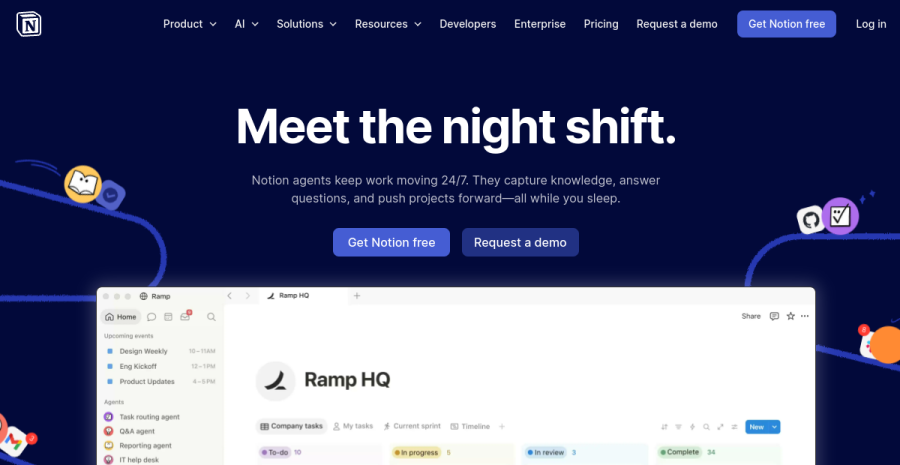
Notion is the all-in-one workspace most solos reach for first, and for good reason: documents, wikis and databases (tables, kanban boards, calendars, galleries — the same data viewed however you need it) live in one clean app, ready to use without you building anything. For a solo it shines as a system you didn’t have to design: a CRM-lite client tracker, a content calendar, a project board and your notes, all linked, all shareable with a single URL when you need to send a brief to a client or collaborator.
The cost of that convenience is ownership. Your content lives on Notion’s servers in Notion’s block format; you can export to markdown, but the working copy is theirs, not a folder on your disk. Offline support is patchy, and a big workspace can feel sluggish. None of that is disqualifying — it’s the price of a cloud all-in-one — but it’s the price.
Pros: databases out of the box; genuinely easy to share; tidy, structured, low-setup; great for client-facing and light project management. Cons: your notes live on their servers in their format; weak offline; can lag at scale; you’re renting the system.
Best for: solos who want structure and sharing handed to them, and don’t mind cloud-hosted notes.
Obsidian
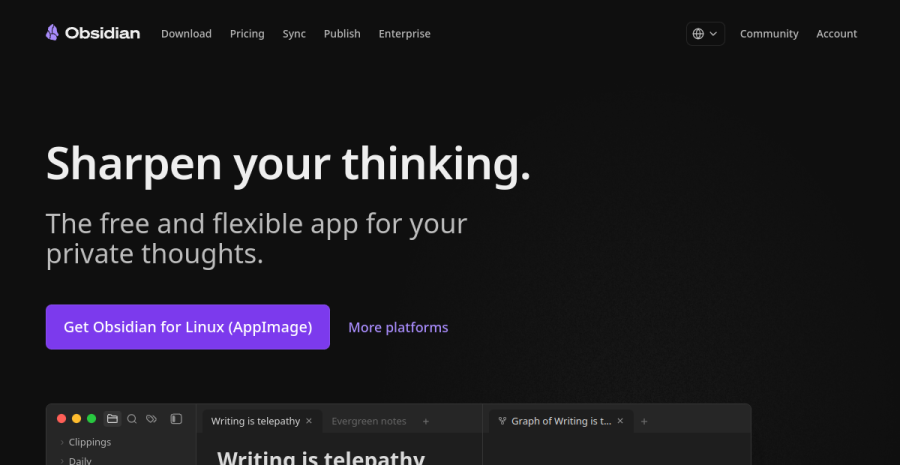
Obsidian is the opposite philosophy, and the one I now keep for everything private. Your notes are plain markdown files in a folder on your own machine — open them in Obsidian, in any text editor, or in nothing at all in twenty years’ time. That’s the whole pitch: total ownership, no lock-in, real privacy, and a fast app that works perfectly offline. The linking and graph view make it a superb second brain for writing, research and connected thinking.
The trade-off is that you assemble your own setup. Want databases, automations or a polished shared workspace? Obsidian gives you a deep plugin ecosystem to build it rather than a ready-made feature. For plain notes it’s dead simple; for systems it asks more of you. Syncing across devices is either the paid official Sync or a folder you sync yourself — and commercial use at a larger company needs a paid licence, so a solo should check where they land.
Pros: you truly own the files; private and offline-first; fast; brilliant for linked notes and writing; no vendor lock-in. Cons: structure and sharing are DIY via plugins; multi-device sync isn’t free-and-seamless; commercial licensing to check.
Best for: solos who want to own their data, value speed and privacy, and enjoy building a system that’s theirs.
Which should you choose
Map it to how you actually work, not to a feature count:
- You want one tidy system without designing it, and you share work with clients or collaborators. Notion. Its databases and one-click sharing pay off the day you start, and it doubles as a lightweight CRM and project board before you outgrow it.
- You write and think a lot, want your notes to be yours forever, and value speed and privacy. Obsidian. The owned-files model and offline speed make it the quieter, more durable second brain.
- Your work is mostly private knowledge with occasional sharing. Obsidian for the thinking, with its Publish add-on or a quick export when something needs to go out.
- Your work is mostly structured tracking and client-facing pages. Notion — the databases and sharing are the whole point.
- You’re privacy-conscious or wary of lock-in on principle. Obsidian, full stop — local files settle it.
Honestly, plenty of solos run both: Notion as the shared, structured front-of-house (client trackers, calendars, anything someone else needs to see), Obsidian as the private back-of-house (writing, research, the messy thinking). They overlap less than they look — one is a workspace you share, the other a library you own — and the small cost of running two is often worth more than forcing one tool to do a job it resists.
The bottom line
There’s no wrong answer here, which is why the comparison is a draw at 4.5 each — they’re both excellent at being what they are. Notion trades ownership for structure and sharing in the cloud; Obsidian trades ready-made systems for owned, private, offline files. Decide which of those two costs you’d rather pay, and the tool picks itself. If you’re still unsure, start with Obsidian — owning your notes as plain files is the one choice that’s hard to regret, and you can always layer Notion on top for the shared, structured work. For where each sits in the wider kit, see the full tools for solopreneurs roundup.
Cross-links: the right notes tool is one slot in the kit — see the five-tool stack for a one-person business, the wider tools for solopreneurs roundup, and project management for when tracking outgrows a notes app.
See also: project management for a one-person business and the best project management tools.
Frequently asked questions
Notion or Obsidian — which is better for a solopreneur?
Do I really own my notes in Notion?
Is Obsidian harder to use than Notion?
Are Notion and Obsidian free for a solopreneur?
Keep reading
Notion review for solopreneurs (2026)
A balanced Notion review for a one-person business — the all-in-one workspace of docs, databases, wikis and light project management, reviewed for a team of one. What it's genuinely great at, the honest downsides, the over-building trap, and who should pick something simpler.
ChatGPT vs Claude for solopreneurs (2026): which AI should you pay for?
ChatGPT vs Claude, decided for a one-person business on a €20/month budget — not a benchmark leaderboard. Where each genuinely pulls ahead for a solo (writing, coding, research, ecosystem), how to pick one, and the EU data rule that applies to both.
Best AI meeting notetakers for solopreneurs (2026): auto-notes from client calls
For a solo consultant, coach or freelancer, an AI notetaker turns every client call into a transcript, summary and action list — so you can listen instead of scribble. Fathom, Fireflies, Otter, tl;dv and Granola compared, plus the GDPR recording-consent rule you must not skip.
Everything here is free. If something saved you time, you can support the author — no product, no signup.