Best CRM for one person (2026): one-person business picks
Notion, Pipedrive, HubSpot, Bigin or OnePageCRM — the best CRM for a one-person business. An EU-first comparison for solopreneurs and freelancers, with GDPR, EU data-residency and "do you even need a CRM" angles US lists skip.

Solo operator · one-person venture studio in Europe (SEO · affiliate · micro-SaaS) · 12 June 2026 · updated 12 June 2026 · 12 min read

When you are the entire company, a CRM is not about managing a sales team — it is about making sure no lead, no promise and no follow-up ever falls out of your head. That is the whole job, and most of the tools sold to solopreneurs are wildly over-built for it.
So before the list, the honest version: you may not need a CRM at all. If you have a handful of active prospects and you reliably remember to follow up, a Notion table or even a spreadsheet is enough — and a CRM you do not fill in is worse than no CRM. The moment you need one is specific: deals start slipping because you forgot to reply, you cannot remember what you quoted whom, or “I’ll circle back next week” quietly becomes never. That is a follow-up problem, not a software problem — and the cheapest fix is a list with a next action against every name. Reach for a real CRM only when that list stops keeping up.
How I evaluated these. I weighed five things that actually matter to a one-person business: time-to-value (can you run it solo in an afternoon, or does it want an admin?), price at the smallest tier (you are paying for one seat, not fifty), the follow-up engine (does it chase you so leads stop slipping?), GDPR and EU data-residency stance (EU clients = EU servers preferred), and whether it stays out of your way instead of demanding a “sales process” you do not have. Prices below are public 2026 figures for a single user — check vendor pages before committing.
At a glance
| Tool | Free tier | EU data option | Best for | Starting paid price |
|---|---|---|---|---|
| Notion | ✅ Free plan | ❌ (US-based) | Solos already in Notion | ~€10/mo |
| Pipedrive | ❌ 14-day trial | ✅ Frankfurt | Visual sales pipeline | ~€14/user/mo |
| HubSpot CRM | ✅ Unlimited contacts | ✅ Frankfurt | Generous free tier | Free |
| Bigin by Zoho | ✅ Single pipeline | ✅ EU data centre | Cheapest proper CRM | ~€7/user/mo |
| OnePageCRM | ❌ 21-day trial | ❌ (US-based) | Action-focused simplicity | ~€9.95/user/mo |
1. Notion — the CRM you already pay for
Notion
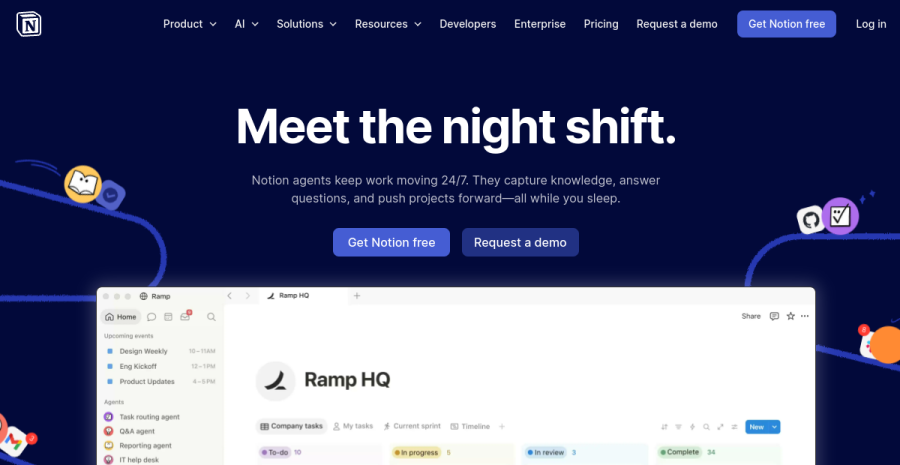
Notion is not a CRM — it is a database that can become one in twenty minutes. For a solopreneur who already runs notes, projects and a content calendar in Notion, that is exactly the appeal: your pipeline lives next to everything else, with no new login, no new subscription and no context-switching.
What a Notion CRM looks like. One database, one row per contact, properties for stage (lead → qualified → proposal → won/lost), deal value, last contacted, next action and next-action date. A board view gives you a Kanban pipeline; a filtered view (“next action overdue”) becomes your daily to-do. That covers 80% of what a solo actually needs from a CRM.
Where it stops. Notion will not chase you. There are no automatic follow-up reminders that nudge your inbox, no email logging, no call tracking and no sales reporting beyond what you build by hand. If your discipline is the only thing keeping the pipeline current, that is fine — until it isn’t. Notion is US-hosted, so for hard EU-residency requirements look at Bigin or HubSpot.
Worked example. A Tallinn-based freelance designer tracks 15 active leads in a Notion board she already pays €10/month for. Each card has a next action and a date; her morning view is “next action ≤ today.” Cost of her CRM: €0 extra. When her lead volume triples and she keeps forgetting to follow up despite the view, that is her signal to move to a dedicated tool — not before.
Pros: zero new subscription if you are already a Notion user; infinitely customisable; pipeline lives beside the rest of your business. Cons: no automated reminders or email logging; no reporting; US data centres; you are the automation.
2. Pipedrive — the visual pipeline done right
Pipedrive
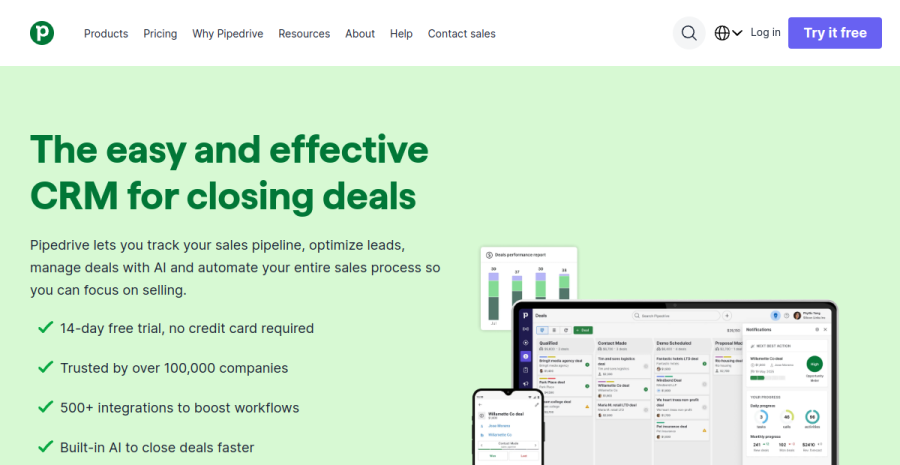
Pipedrive was built by salespeople who were tired of bloated enterprise CRMs, and it shows. The whole product is organised around one drag-and-drop pipeline view: deals are cards, stages are columns, and moving a deal forward is one drag. For a solo who actually sells — consultants, agencies-of-one, anyone with a real deal flow — it is the most intuitive interface here.
Why solos like it. Every deal can carry a scheduled activity, and Pipedrive refuses to let a deal sit “rotting” without a next step — it visibly flags deals with no upcoming activity. That single mechanic is what keeps a one-person pipeline honest. Email sync, a built-in scheduler and a clean mobile app round it out.
EU credentials. Pipedrive is an Estonian-founded company hosting EU customer data in Frankfurt, with a standard DPA. For an EU solopreneur that is a genuine advantage over US-only tools — residency is the default, not an upsell.
The catch. There is no permanent free tier — just a 14-day trial — and the genuinely useful automation and reporting live on higher plans. At ~€14/user/month the entry tier is fair, but it is a real line item, so only commit once selling is a meaningful part of your week. Weighing it against HubSpot’s free tier specifically? The Pipedrive vs HubSpot head-to-head is the direct call.
Worked example. An Estonian fractional CMO runs ~25 live deals worth €2k–€8k each. The “deal rotting” flags alone recover one stalled deal a quarter — at his rates, the ~€14/month pays for itself many times over in the first month.
Pros: best pure pipeline UX; refuses to let deals stall; EU hosting by default; strong mobile app. Cons: no free tier; automation gated to higher plans; overkill if you rarely “sell.”
3. HubSpot CRM — the generous free tier
HubSpot CRM
HubSpot’s free CRM is the most generous starting point in this list: unlimited contacts, unlimited users, deal pipelines, email tracking and meeting scheduling — all at €0, with no time limit. For a solopreneur who wants a proper CRM without a monthly bill, it is the obvious place to start.
What you get free. A real pipeline, contact and company records, email open/click tracking, a meeting-booking link and basic reporting. It is more than enough to run a one-person sales process indefinitely, and HubSpot offers EU data hosting (Frankfurt) so your contacts can stay inside the EU.
The honest trade-off. HubSpot is enterprise software wearing a free-tier coat. The free CRM is a deliberate on-ramp into a much larger, much pricier suite (Marketing Hub, Sales Hub), and the upgrade prompts are constant. The paid tiers jump in price fast — fine if you grow into them, jarring if you do not. As a solo, the discipline is to use the free tier and ignore the upsell until you genuinely need more.
Worked example. A Berlin freelance copywriter uses the free CRM to track 40 leads, with email tracking telling her which prospects opened her proposal. Cost: €0, possibly forever. She only ever considers paying if she wants sequence automation — and at that point Bigin or Pipedrive may be cheaper for one seat.
Pros: genuinely free for unlimited contacts; email tracking and scheduling included; EU hosting option; room to grow. Cons: relentless upsell; paid tiers expensive for a solo; more features than most one-person businesses use.
4. Bigin by Zoho — the cheapest proper CRM
Bigin by Zoho
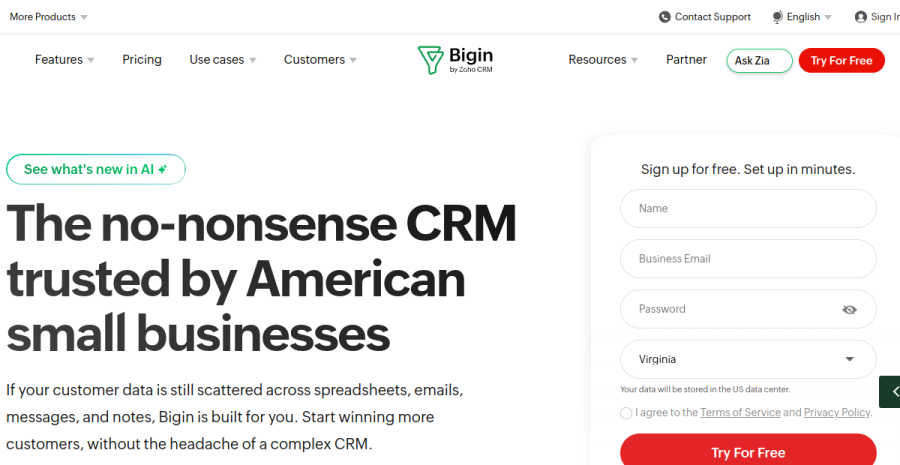
Bigin is Zoho’s answer to “what if a real CRM cost almost nothing?” — and it is the best price-to-power ratio on this list. From around €7/user/month you get multiple pipelines, workflow automation, email integration and excellent mobile apps, with a free single-pipeline tier to start.
Why it fits solos. Bigin keeps the small-business focus tight: it is a proper CRM (pipelines, automation, reporting) without the enterprise sprawl of full Zoho CRM. Setup is genuinely an afternoon, not a project. The mobile apps are the standout — among the best here — which matters when you are running the business from a phone between client calls.
EU credentials. Zoho operates EU data centres and lets you choose EU data residency, with a clear DPA and a long-standing privacy-first stance (Zoho famously does not run an ad business off your data). For a GDPR-conscious freelancer that is reassuring.
The catch. The interface is the least polished of the dedicated CRMs here — functional rather than delightful — and you are entering the wider Zoho ecosystem, which can pull you toward more Zoho apps over time. Neither is a real problem for a solo; just know the aesthetic is “capable,” not “beautiful.”
Worked example. A Lithuanian freelance web developer runs two pipelines (new projects, maintenance retainers) on Bigin at ~€7/month, automating a follow-up reminder three days after each quote. Cheapest paid CRM here, and the automation alone stops quotes going cold.
Pros: cheapest real CRM; best-in-class mobile apps; EU data residency; quick solo setup. Cons: plainer UI; pulls you toward the Zoho ecosystem; fewer integrations than HubSpot or Pipedrive.
5. OnePageCRM — built around the next action
OnePageCRM
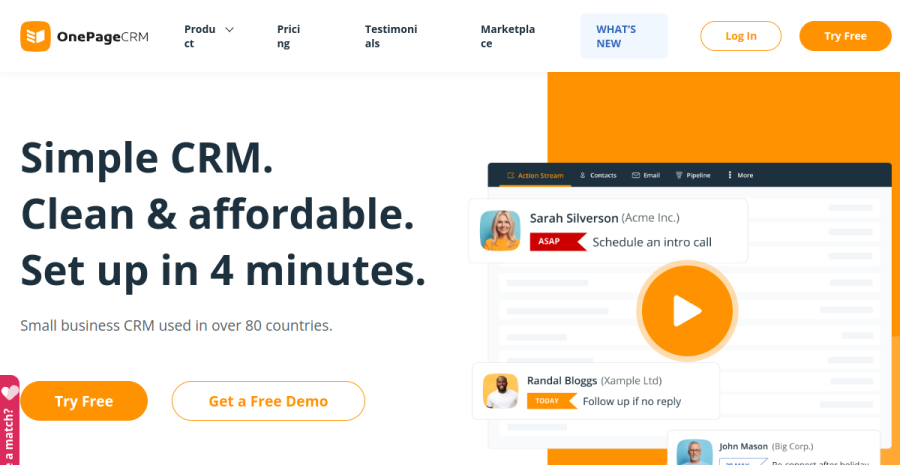
OnePageCRM is built around a single, opinionated idea: every contact must have a next action. It turns your CRM into a to-do list — instead of a static pipeline you stare at, you get a prioritised stream of “who to chase next.” For a freelancer whose actual problem is following up, that framing is the whole value.
The action stream. Add a contact, you are forced to set a next action and a date. The home screen is then just your actions, oldest first — a “do the next thing” engine rather than a dashboard. It deliberately strips away the reporting and configuration that solos never use, which keeps it fast and focused.
Where it sits. At ~€9.95/user/month with a 21-day trial (no permanent free tier), it is priced between Bigin and Pipedrive. It is US-hosted, so for hard EU-residency needs the EU-data-centre options above are a cleaner fit. The trade-off for its simplicity is ceiling: if your business grows into needing real sales reporting or heavy automation, you will outgrow it — but plenty of solos never do.
Pros: the next-action model genuinely fixes follow-up; fast and uncluttered; low cognitive overhead. Cons: no free tier; US data centres; limited reporting and automation; you can outgrow it.
A worked example
Meet Karin, a freelance brand consultant in Tartu. She closes maybe 12 projects a year but talks to far more people: roughly 40 qualified leads land in her inbox annually, each worth €1,500–€4,000, and the gap between “had a great call” and “signed” is usually three or four follow-ups over six weeks. That is her actual problem — not pipelines, just remembering to chase. She already runs her whole business in Notion, so her honest baseline is €0 extra: a database with a next action column and a “due today” view. It works until two deals slip in a quarter because the view didn’t nudge her — at her rates, one lost project is ~€2,500, which dwarfs any subscription. So she compares the next step: HubSpot free (email-open tracking, still €0) versus Pipedrive at ~€14/month. Pipedrive’s “deal rotting” flags directly attack her follow-up gap; €168/year to reliably save one €2,500 project is a rounding error. The decision: stay free until a deal slips, then pay for the tool that chases her, not the one with the most features.
How to choose
| If you are… | Start with |
|---|---|
| Already running your business in Notion | Notion (a database, €0 extra) |
| Following up is your only real problem | OnePageCRM (next-action engine) |
| Want a real CRM but hate paying | HubSpot CRM (free, unlimited contacts) |
| Cost-conscious and want EU data residency | Bigin by Zoho (~€7/mo, EU data centre) |
| Actually selling, with a real deal flow | Pipedrive (the visual pipeline) |
| Tracking fewer than ~20 leads total | A spreadsheet — seriously, not yet |
The honest answer for most solopreneurs: start in Notion or HubSpot’s free tier, and only graduate to Bigin, OnePageCRM or Pipedrive when keeping track in your head starts costing you deals. The classic solo mistake in this category is buying the biggest CRM you can afford — signing up for HubSpot’s paid Sales Hub or a multi-pipeline plan to feel “professional” — and then never filling it in, because a one-person business has no time to feed an enterprise tool a sales process it does not have. An empty CRM is worse than a spreadsheet. So the decisive rule is the opposite of the US listicles: buy the smallest tool that fixes the one problem you actually have — which for most solos is follow-up, not reporting. If your only pain is chasing leads, OnePageCRM or a Notion “next action” view beats any €40/month suite. The best CRM is the cheapest one you will still be updating in three months.
If you are still assembling your stack, this pairs with our best tools for solopreneurs overview, and a CRM sits right alongside the workflow side covered in our project management roundup.
EU footnote: GDPR and a one-person CRM
A CRM is a database of real people’s personal data, so GDPR applies even when you are a one-person business. The practical checklist is short:
- Sign the DPA — every tool here offers a Data Processing Agreement; signing it is required when you use a processor, and it takes minutes.
- Prefer EU data residency if your clients expect it — Bigin (Zoho EU data centres), HubSpot (Frankfurt) and Pipedrive (Frankfurt) keep contact data inside the EU. Notion and OnePageCRM are US-hosted with standard contractual clauses — legal, but more to document.
- Honour access and erasure requests — you must be able to export or delete a contact’s data on request. All five support this; know where the button is before someone asks.
- Log consent for marketing — storing a contact for an active deal is fine on legitimate-interest grounds, but if you market to them, keep a record of how they opted in.
For most EU freelancers any tool here is compliant once the DPA is signed; EU data residency is a documentation-simplifier and a trust signal, not usually a hard legal requirement.
Cross-links: see the full picture in our best tools for solopreneurs overview, and pair your CRM with the right workflow setup from the project management roundup.
Frequently asked questions
Do solopreneurs really need a CRM?
What is the best simple CRM for a one-person business?
Can I use Notion as a CRM?
Is there a GDPR-compliant CRM for EU freelancers?
Keep reading
Pipedrive vs HubSpot for solopreneurs (2026): which CRM fits a team of one
Pipedrive vs HubSpot for a one-person business — a lean, visual sales-pipeline CRM versus a broad platform with a genuinely capable free tier. The honest fit-comparison for a solo, who each suits, and the over-tooling trap to avoid. From a team of one.
Running a one-person business in France (2026): the complete toolkit
How to run a freelance business in France as a solo operator — the complete toolkit of tools for freelancers in France, from micro-entrepreneur legal setup and banking to accounting, e-invoicing, hosting and insurance.
Running a one-person business in Germany (2026): the complete toolkit
How to run a freelance business in Germany as a solo operator — the complete toolkit of tools and software for freelancers in Germany, from Freiberufler legal setup and banking to accounting, e-invoicing, hosting and insurance.
Everything here is free. If something saved you time, you can support the author — no product, no signup.