Best project management tools for a one-person business (2026)
A solo doesn't need enterprise PM software — it needs one place that holds the work without becoming a second job. The best project management tools for a one-person business — solopreneurs, freelancers, solo entrepreneurs and individuals — compared honestly.

Solo operator · one-person venture studio in Europe (SEO · affiliate · micro-SaaS) · 10 June 2026 · updated 19 July 2026 · 4 min read

Most project management software is built for teams: assignees, approvals, sprint boards, roles. As a team of one you don’t have a coordination problem — you have a memory problem. You need one place that holds the work so nothing gets dropped, without turning “managing the work” into a second job. Here’s what actually fits a one-person business.
New to organising solo? Start with the guide to project management for a one-person business for the how and why — this page is the head-to-head on which tool to pick.
How I evaluated these. A solo’s PM tool isn’t judged on feature depth — it’s judged on whether you’ll still be using it in three months. So the test is: one source of truth, low setup overhead, and a free or cheap tier that’s genuinely usable. A powerful tool you abandon in week two is worse than a simple one you keep.
The shortlist at a glance
| Tool | Best at | Setup overhead | Free tier |
|---|---|---|---|
| Notion | One flexible home for everything | Low–medium | ✅ generous |
| ClickUp | Structured task management | Medium–high | ✅ capable |
| Obsidian | Thinking & writing (knowledge base) | Low | ✅ (personal) |
These aren’t really competitors — they suit different kinds of solo work. Pick by what your days are actually made of.
1. Notion — the one-workspace default
Notion
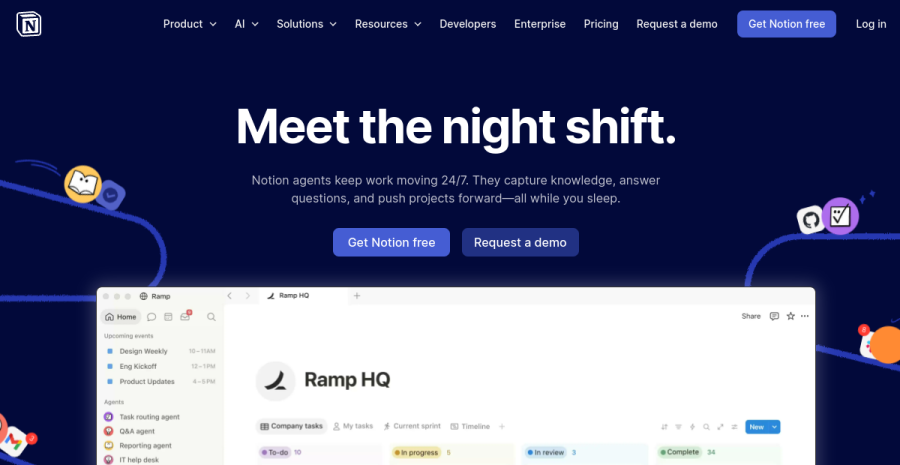
For most solopreneurs, Notion is the best single home: notes, the content calendar, project tracking and a light CRM of who replied to what, all in one place. The value isn’t any one feature — it’s that you’re never wondering where a thing lives.
Concrete example. My whole operation sits in one Notion workspace: a database of every article and review with its status, a calendar of what publishes when, and a simple table tracking outreach. One login, one source of truth — the same setup behind the all-in-one launch stack.
Pros: extremely flexible; docs + databases + light CRM in one; generous free plan; great for a content-driven solo. Cons: flexibility means you can over-build it; not as rigid as a dedicated task tracker for complex dependencies.
Also compared: Notion vs Trello vs Monday — if you’re weighing the board-style tools too.
Best for: solos whose work mixes content, projects and notes — which is most of them.
2. ClickUp — when you genuinely need task structure
ClickUp

If your work really is task-heavy — lots of moving deliverables, dependencies, multiple views of the same work — ClickUp gives you that structure: boards, lists, timelines and automations. The cost is setup time and a steeper learning curve, which a simple solo workflow may not repay.
Pros: powerful structured task management; many views; automations. Cons: can be overkill for a team of one; meaningful setup before it earns its keep.
Best for: solos with genuinely complex, multi-deliverable workloads who want rigor.
3. Obsidian — for the thinkers and writers
Obsidian
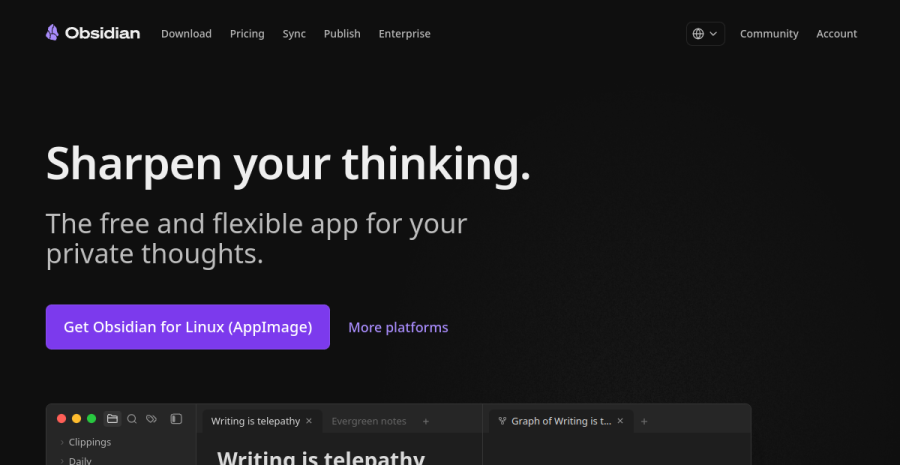
If your days are mostly research, writing and connecting ideas, Obsidian is a fast, local-first, plain-text knowledge base that’s a joy to use — your notes stay on your own machine. It’s not a task tracker, though; pair it with a light to-do system if you need one.
Pros: fast; local-first and private; excellent for linked notes and long-form thinking; free for personal use. Cons: not built for project/task tracking; you assemble your own workflow.
Best for: writers, researchers and idea-workers who think in notes.
How to choose
| If your work is mostly… | Use |
|---|---|
| Content, projects and notes together | Notion |
| Structured tasks with dependencies | ClickUp |
| Research, writing and connected ideas | Obsidian |
| You’re not sure yet | Notion (start broad, narrow later) |
Prefer a head-to-head? Notion vs ClickUp · ClickUp vs Asana · Notion vs Trello · Asana vs Monday · or the full Notion review for solopreneurs.
The principle behind the pick
A solo’s tool fails not when it’s too simple, but when it adds more overhead than the work it organises. If you spend more time tending the system than doing the work, the system is the problem.
This is the same logic behind my five-tool stack: every tool must replace work, not add a tab. Audit your setup once a quarter against that line.
Bottom line
For most one-person businesses, Notion is the best single home for the work — flexible, cheap to start, and the one place everything lives. Reach for ClickUp only if you truly need structured task management, and for Obsidian if your work is mostly thinking and writing. The best PM tool is the one you’ll still open in month three.
Start with NotionFrequently asked questions
What is the best project management tool for a solopreneur?
What is the best project management tool for an individual or solo entrepreneur?
How do you do project management for one person?
Do I even need project management software as a team of one?
Notion vs ClickUp vs Obsidian — which should I pick?
What is the best task management software for a solopreneur?
Is a free plan enough to run a one-person business?
Keep reading
Notion for solopreneurs (2026): a simple system that runs your whole business
How a one-person business runs on ONE Notion workspace without over-building — a simple, real setup by area: projects and tasks, a content system, a light CRM, notes, and a minimal dashboard. Keep-it-light principles, a starter structure, and the honest warning about Notion's flexibility trap.
Notion vs Trello vs Monday for solopreneurs (2026)
Notion vs Trello vs Monday.com for a one-person business — a flexible build-your-own all-in-one, dead-simple Kanban, and a colourful, configurable Work OS. The honest three-way fit-comparison for a team of one, by use case, with a warning about over-tooling. From a team of one.
Asana vs Monday.com for solopreneurs (2026)
Asana vs Monday.com for a one-person business — a clean, calm, task-focused workflow tool versus a colourful, flexible, spreadsheet-like Work OS. The honest trade-off, the "built for teams" caveat, and which a solo should actually pick. From a team of one.
Everything here is free. If something saved you time, you can support the author — no product, no signup.