Best all-in-one platforms to launch a solo product (2026)
Landing page, email list and checkout without stitching five tools together. The all-in-one platforms that actually fit a one-person EU business.

Solo operator · one-person venture studio in Europe (SEO · affiliate · micro-SaaS) · 6 June 2026 · updated 9 June 2026 · 4 min read

A solo launch fails for a boring reason more often than a bad-idea reason: the founder spent the energy budget wiring five tools together instead of shipping. The platforms below collapse that wiring so you get to “live and taking payments” with one login.
How I evaluated these. The metric that matters for a solo isn’t feature count — it’s time-to-first-sale and how many logins you have to babysit. I judged each tool on whether one person, with no developer and no design team, can go from idea to a live page that takes payment in a weekend, and keep running it without a SaaS shelf they resent by month two.
The shortlist at a glance
| Tool | Role | Free tier | Best for |
|---|---|---|---|
| Systeme.io | Storefront: pages + email + checkout | ✅ genuinely usable | Selling a course/product solo |
| Notion | Workspace brain behind the launch | ✅ generous | Planning, content, light CRM |
These two don’t compete — one sells, one organises. The combination is the whole core stack for most solo launches.
1. Systeme.io — the most done for the least
Systeme.io
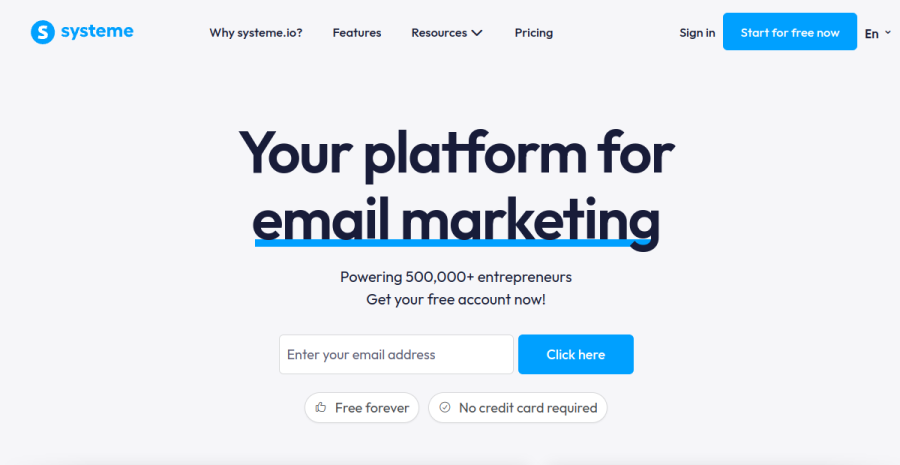
Landing pages, email automation, a checkout and even a basic affiliate program in one place. For a one-person business the maths is simple: one tool you fully use beats five best-in-class tools you half-configure. The free tier is genuinely enough to launch, and the recurring commission structure means it’s also a tool you can recommend. For the day-to-day detail — where it shines and where it feels budget — read the full Systeme.io review.
Concrete example. Say you’re selling a €49 mini-course. In Systeme.io you build the sales page, wire a 3-email welcome sequence, and connect the checkout — all in one afternoon, one login, no Zapier glue. Compare that to the “best-in-class” route: a page builder + an email tool + a separate checkout + an integration layer, four subscriptions and four things to keep in sync.
Pros: pages, email, checkout and affiliates in one place; real free tier; no code. Cons: individual modules aren’t as deep as dedicated specialists (a heavy email marketer will eventually want a dedicated ESP); design templates are functional rather than fancy.
Best for: solos selling a course, ebook, membership or coaching who want to be live this weekend, not this quarter.
2. Notion — the workspace, not the storefront
Notion
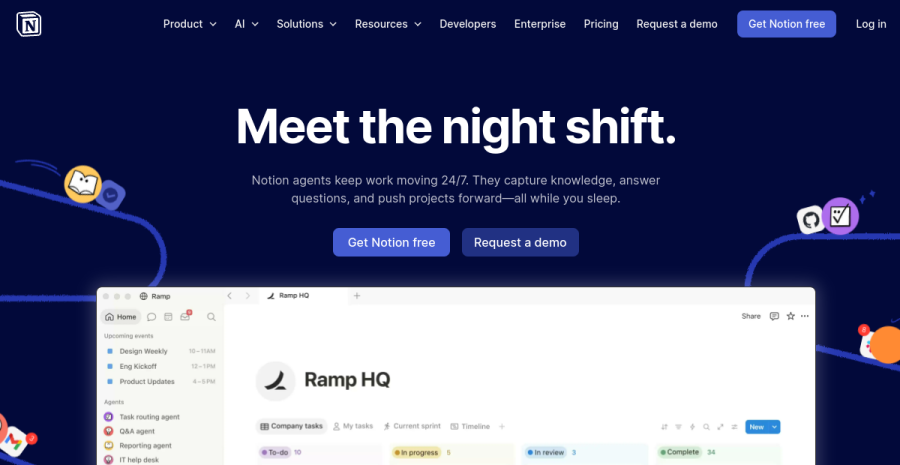
Notion isn’t a sales platform, and trying to make it one is a trap. Where it earns its place is behind the launch: the content calendar, the product brief, the launch checklist, the light CRM of who replied to what. One brain, one source of truth.
Concrete example. My launch lives in one Notion workspace: a calendar of what publishes when, a database of every tool review with its status, and a simple table of who replied to outreach. The storefront sells; Notion is where I remember what I’m doing.
Pros: one flexible source of truth; great for planning, docs and a light CRM; generous free plan. Cons: not a checkout, not an email sender — the moment you try to make it the storefront, you’ve picked the wrong tool.
Best for: every solo, as the operations layer — paired with, not instead of, a real storefront.
How to choose
| If you want to… | Use | Why |
|---|---|---|
| Sell a product/course with one login | Systeme.io | Pages, email and checkout in one place |
| Organise the launch, content & CRM | Notion | One source of truth behind the scenes |
| Avoid touching code at all | Systeme.io | Genuinely no-code, free to start |
| Keep a single source of truth behind it | Notion | Flexible workspace, light CRM |
The EU footnote
Whichever you pick, it handles selling — not your VAT and OSS. Pair it with proper invoicing so cross-border digital sales don’t become a quarter-end scramble (see the invoicing & accounting roundup).
The code alternative
Prefer to build the page yourself? That’s a valid route too — I wrote up the honest version of vibecoding a landing page in a weekend, including the parts that bit back on Monday. For a pure marketing page, though, an all-in-one usually wins on time-to-live. And if all you need is the page — not the full platform — the lighter options are in the landing page builders roundup.
Bottom line
Use Systeme.io as the launch engine and Notion as the brain behind it. That two-tool core covers most of what a solo needs to go from idea to first sale — without a SaaS shelf you’ll resent paying for by month two.
Once your funnel is live, the email layer matters more than the platform. See the email marketing roundup for how Kit, Brevo and MailerLite compare when you need a dedicated list tool alongside — or instead of — an all-in-one.
Frequently asked questions
What is the best all-in-one platform for a solo creator in 2026?
Can I really launch a paid product on a free plan?
Should I use Notion as my storefront?
All-in-one platform or build the page with code?
Keep reading
Systeme.io review (2026): the best free all-in-one for a solo launch?
An honest Systeme.io review for solopreneurs — what the free plan really includes, who it fits, where it falls short versus dedicated tools, pricing, and the EU VAT caveat. Funnels, email and courses in one login.

Best landing page builders for solopreneurs (no-code, 2026)
You need one page that converts, not a web department. The best no-code landing page builders for solopreneurs and freelancers — including free options — compared by time-to-live, not feature count.

Best AI visual editors for real codebases (2026): Onlook vs Builder.io vs Anima
The third kind of AI build tool nobody groups together: visual editors that edit your REAL code, not a sandbox. Onlook, Builder.io Fusion, Anima, Tempo and Figma Make compared — drag-and-drop and design polish that lands as commits in your own Next.js + Tailwind repo, so it fits a Claude Code + git workflow instead of replacing it.
Everything here is free. If something saved you time, you can support the author — no product, no signup.