Best landing page builders for solopreneurs (no-code, 2026)
You need one page that converts, not a web department. The best no-code landing page builders for solopreneurs and freelancers — including free options — compared by time-to-live, not feature count.

Solo operator · one-person venture studio in Europe (SEO · affiliate · micro-SaaS) · 11 June 2026 · updated 16 July 2026 · 5 min read

A solopreneur doesn’t need a website so much as one page that converts — the offer, the proof, the button. The mistake is treating that page like a web project: weeks of tooling, pixel debates, and a launch that never happens. The builders below are ranked by the metric that matters for a team of one: time from blank page to live page that captures money or emails.
How I evaluated these. Three questions, in order: How fast can one non-designer get a credible page live? Is the email capture / checkout built in, or do I have to wire it? And what does it cost while the project is pre-revenue? Pretty templates are table stakes; the wiring is what decides whether a solo actually ships.
All three are no-code, no-setup-fee options with transparent pricing — a free tier or a flat low annual price, nothing hidden — which is exactly what a pre-revenue solo needs.
The shortlist at a glance
| Builder | Best for | Email + checkout built in | Free tier |
|---|---|---|---|
| Systeme.io | Pages that sell something | ✅ both | ✅ genuinely usable |
| Carrd | Dead-simple one-pagers | ➖ forms only (via integrations) | ✅ (paid is ~$19/yr) |
| Framer | Design-led sites | ➖ forms, no native checkout | ✅ limited |
1. Systeme.io — when the page has a job to do
Systeme.io
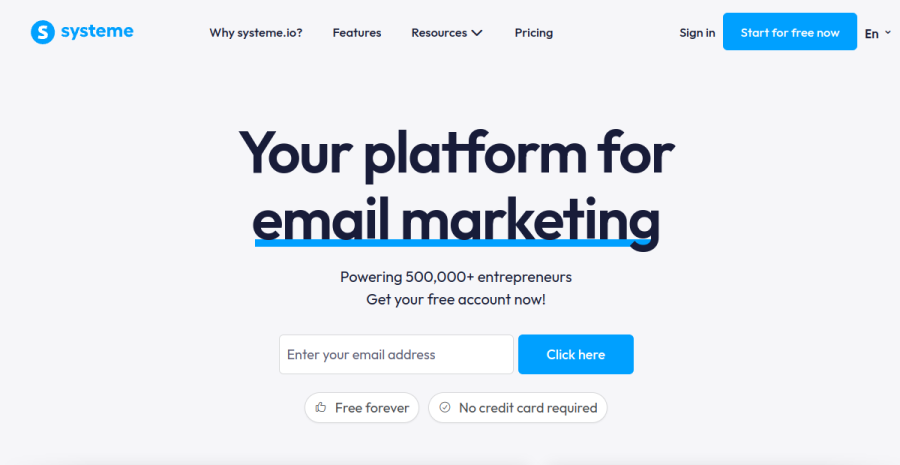
A landing page for a solo almost never exists alone: it feeds an email list or sells a product. Systeme.io’s advantage is that the page, the email automation and the checkout are one system — no Zapier glue, no “now connect your ESP” step, no third subscription.
Concrete example. Validating a €49 mini-course: build the page from a template, attach a 3-email welcome sequence, switch on the checkout — one afternoon, one login. The same job with a dedicated page builder means a page tool + an email tool + a payment link, three things to keep in sync. For the full platform picture, see the all-in-one platforms roundup.
Pros: page + email + checkout in one; real free tier; templates tuned for selling. Cons: templates are functional rather than design-award material; you’re buying the system, not the prettiest canvas.
Best for: any solo whose page exists to capture emails or take payment — the majority.
2. Carrd — the one-page minimalist
Carrd
For a simple “here’s who I am, here’s the link” page — a personal profile, a waitlist, a link-in-bio — Carrd is unbeatable on simplicity and price (the Pro tier is around $19 a year, not a month). It does one-page sites extremely well and nothing else.
Pros: absurdly cheap; fast to build; clean results. Cons: forms need third-party integrations for anything beyond basics; no native checkout; one-page format only.
Best for: waitlists, personal pages, link hubs — pages that inform rather than sell.
3. Framer — when design is the point
Framer
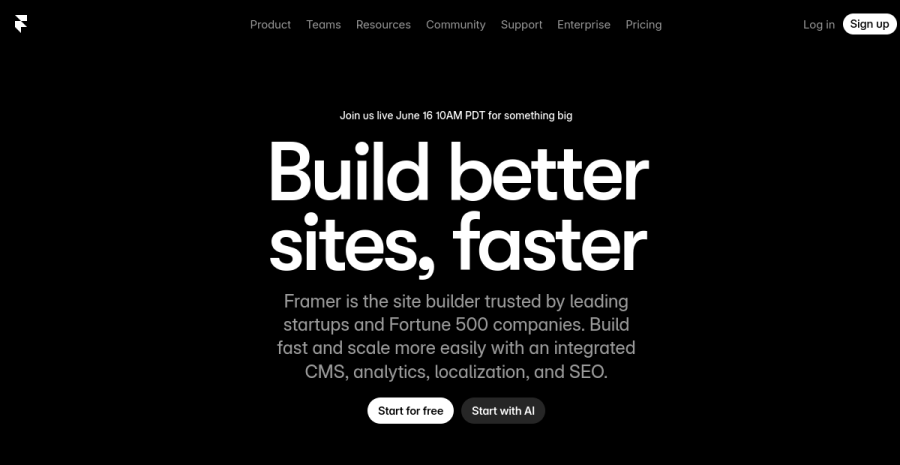
If your business is design — a portfolio, a studio-of-one, a product where visual polish is the pitch — Framer produces the most beautiful results of the three, with real animation and CMS features. The trade-off: you’ll still wire email and payments separately, and the learning curve is steeper.
Pros: best-looking output; animations and CMS; serious design control. Cons: no native checkout; more tool to learn; overkill for a simple offer page.
Best for: design-led solos whose page must itself demonstrate taste.
Building a whole site, not just a page? Framer’s main rival there is Webflow — compared in Framer vs Webflow for solopreneurs.
How to choose
| If your page needs to… | Use |
|---|---|
| Sell a product or build a list | Systeme.io |
| Just exist, simply and cheaply | Carrd |
| Impress with design itself | Framer |
| Be part of a bigger custom app | Code it — see below |
The code route, honestly
You can also vibecode the page — describe it to an AI and steer. I did exactly that and wrote up what broke on Monday: genuinely fast for boilerplate, but you own every edge case the AI didn’t think of. If you go that way, you’ll also need somewhere fast and EU-based to put it — that’s the web hosting roundup. For a pure marketing page, no-code still wins on time-to-live.
Landing pages for affiliate verticals
If you’re running paid traffic to affiliate offers, the priorities flip. You’re not building one careful page — you’re spinning up many cheap landers, A/B testing ruthlessly, and keeping load times low (ad platforms penalise slow pages with worse quality scores and CPMs). For that: Carrd or a fast static page win on speed and cost-per-page; Systeme.io when the lander also needs an opt-in and an email follow-up sequence; avoid heavy design builders that slow you down. Keep the income side white — disclosed affiliate links, compliant creatives — the legal and banking breakdown is in affiliate income, the legal way in the EU, and the full content-site model in how to build an ad-revenue & affiliate site.
The EU footnote
Whichever builder you pick, the moment the page takes payment for a digital product across EU borders, VAT enters the chat — the buyer’s country rate, location evidence, OSS reporting. The builder won’t handle that; pair it with the right setup (start with EU VAT OSS explained).
Bottom line
Pick by the page’s job, not the gallery: Systeme.io if it sells, Carrd if it informs, Framer if it has to impress. Then spend the saved week on the thing the page is selling — that’s the part no builder ships for you.
Just need the capture form rather than a whole page? Compare the best form builders for solopreneurs (Tally, Typeform, Jotform) — with the GDPR angle.
Start with Systeme.ioFrequently asked questions
What is the best landing page builder for a solopreneur?
Can I build a landing page without knowing how to code?
Do I need a separate landing page builder and email tool?
What makes a landing page actually convert?
Which landing page builder is best for affiliate verticals?
Keep reading
Framer vs Webflow for solopreneurs (2026): which no-code site builder?
Framer vs Webflow, decided for a one-person business — not an agency. Framer wins on speed and design-led output; Webflow wins on CMS depth and pixel control at scale. Which one you actually need, honestly, plus the EU hosting and GDPR angle.
Make vs Zapier for solopreneurs (2026): which automation tool to pick
Make vs Zapier for a one-person business — the polished market leader with the widest app library versus the visual scenario builder that goes further for less at volume. The honest fit-comparison, who each suits, the cost-at-scale angle, and where n8n fits. From a team of one.
No-code landing pages for affiliate sites (2026): the builders that convert
A converting affiliate landing page is 20% builder, 80% offer and traffic. What an affiliate lander actually needs — fast load, one CTA, clean disclosure, working tracking — and which no-code builders (Carrd, Framer, Webflow) fit which job.
Everything here is free. If something saved you time, you can support the author — no product, no signup.