Best website builders for solopreneurs (no-code, 2026)
The best website builder for solopreneurs and small business owners who need a full no-code site — not just one page. Hostinger, Wix, Squarespace, Webflow, Framer and Carrd compared, with EU hosting, GDPR and EUR pricing in mind.

Solo operator · one-person venture studio in Europe (SEO · affiliate · micro-SaaS) · 12 June 2026 · updated 16 July 2026 · 11 min read

A solopreneur usually needs a credible full website — home, about, services, a blog, a contact page — long before they can afford a web department. The trap is treating that as an engineering project: a framework, a hosting decision, a deploy pipeline, and a launch that slips for months. A no-code website builder collapses all of that into one login and one bill. The six below are ranked for a team of one by the metric that actually matters: how fast a non-developer gets a professional multi-page site live, and what it costs while the business is still pre-revenue.
How I evaluated these. Four questions, in order: Can one non-designer ship a credible multi-page site without help? Is hosting and a domain included, or another bill to manage? What does it cost in EUR before the business is profitable? And how stuck am I later — can I export or am I locked in? Feature checklists are easy to win on paper; the wiring, the total cost and the exit are what decide whether a solo is well served.
This is a website builder roundup — full sites, not single pages. If you only need one page that converts, see landing page builders instead; if you want to describe the site and let AI assemble it, see AI website builders; and if you already have a site to host, the web hosting roundup covers where to put it. For the full hands-on walkthrough, the guide how to build a professional website solo shows the whole route end to end.
The shortlist at a glance
| Builder | Best for | Hosting + domain included | Rough EUR cost |
|---|---|---|---|
| Hostinger Website Builder | Cheapest full site + EU hosting | ✅ both bundled | ~€3–4/mo |
| Wix | Most features / templates | ✅ hosting, domain 1st yr | ~€11–17/mo |
| Squarespace | Design-polished sites & portfolios | ✅ hosting, domain 1st yr | ~€14–20/mo |
| Webflow | Pixel control without code | ✅ hosting | ~€14–23/mo |
| Framer | Design-led modern sites | ✅ hosting | ~€5–15/mo |
| Carrd | Dead-simple one-pagers (cheapest) | ➖ subdomain (custom on Pro) | ~$19/yr |
1. Hostinger Website Builder — the value pick
Hostinger Website Builder
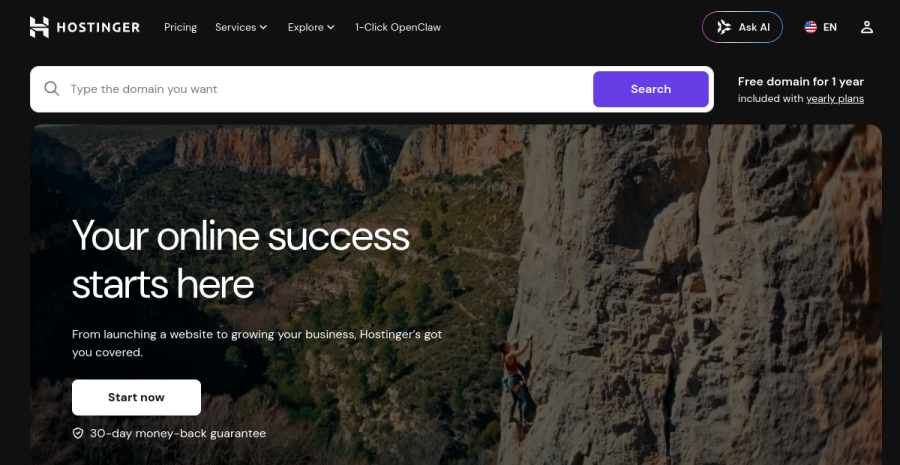
For most solopreneurs the deciding factor isn’t which builder makes the prettiest hero section — it’s total cost and how many vendors you have to manage. Hostinger bundles the drag-and-drop builder, the hosting and a free domain into one subscription, which is why it lands lowest on all-in price. There’s no separate hosting invoice to reconcile, no DNS detour, and an AI assistant scaffolds a starter site from a few prompts so you begin from something rather than a blank canvas. If you want the deeper look at the hosting underneath it — plans, performance and the SSR upgrade path — the full Hostinger review covers it.
Concrete example. A consultant who needs home / about / services / contact and a small blog can go from signup to a live site on their own domain in an afternoon, for roughly the price of a coffee a month — hosting included. Compare that to buying a builder and hosting and a domain separately, and the saving is both money and three fewer things to keep in sync. For the standalone hosting picture, see the web hosting roundup.
Pros: lowest all-in cost; hosting + domain bundled; EU data centres for European visitors; genuinely beginner-friendly editor. Cons: fewer advanced design controls than Wix or Webflow; the template ceiling is lower if you want something truly bespoke; it’s a hosted platform, so you’re committing to the ecosystem rather than owning portable code.
Best for: the majority of solos — anyone who wants a credible, professional site live cheaply, with hosting and domain handled, and no interest in running a stack.
2. Wix — when you want it to do everything
Wix

Wix is the Swiss-army knife: hundreds of templates, an app market, and built-in bookings, store, email marketing and forms, so a solo can run scheduling, a shop and a blog from one dashboard. If your business needs features — appointments, memberships, a small store — Wix usually has it natively rather than via a bolt-on.
The trade-offs are real: the editor is powerful but busy, the sheer number of options can slow a non-designer down, and you cannot export your site — once it’s built on Wix, it stays on Wix. Pricing is also mid-to-upper for the tier most businesses actually need.
Pros: widest feature set and app ecosystem; templates for every niche; everything builds in one place. Cons: no export / hard lock-in; editor can overwhelm; pricier than the value tier once you leave the ad-supported free plan.
Best for: solos whose site needs many moving parts — booking, store, membership — and who value breadth over a minimal bill.
3. Squarespace — when it just has to look good

Squarespace
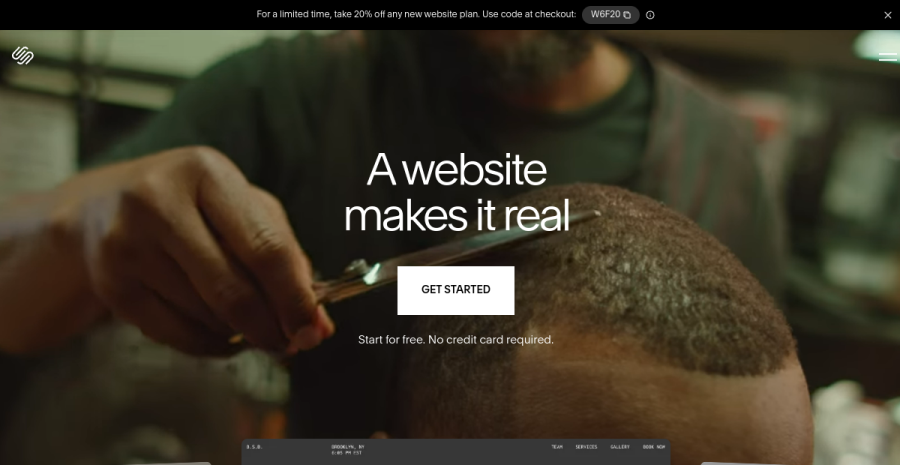
Squarespace’s pitch is that it’s hard to make an ugly site. The templates are tasteful, the type and spacing are handled for you, and a portfolio, studio or service business can look expensive without a designer. Fewer choices than Wix is the point — constraint is what keeps the result polished.
The cost of that polish: you get less granular control when you do want to deviate, the editor can feel rigid against the grid, and pricing sits at the upper end. Like Wix, it’s a closed platform — there’s no clean export route out.
Pros: best out-of-the-box design quality; excellent for portfolios and visual brands; strong blogging and built-in commerce. Cons: less flexible when you fight the template; upper-tier pricing; closed ecosystem / limited export.
Best for: design-conscious solos — creatives, consultants, portfolios — who want to look premium without learning design.
4. Webflow — pixel control without writing code
Webflow

Webflow is the most powerful builder here: it exposes the actual box model — flexbox, grid, breakpoints, interactions — so you get near-code control without writing code, plus a real CMS and clean output. For someone who cares about exactly how the site looks and behaves, it removes the ceiling the simpler builders impose.
That power has a price: Webflow has the steepest learning curve of the group — you’re essentially learning CSS concepts through a visual interface — and pricing climbs once you add CMS and form volume. For a straightforward brochure site it’s genuinely overkill, and the time you’d spend learning it is time not spent on the business.
Pros: unmatched design control for a no-code tool; proper CMS; clean, exportable code. Cons: steep learning curve; overkill for simple sites; cost grows with CMS/form limits.
Best for: design-led solos who want full control and are willing to invest the hours to get it — or who’ll outgrow simpler builders fast.
5. Framer — design-led and modern
Framer
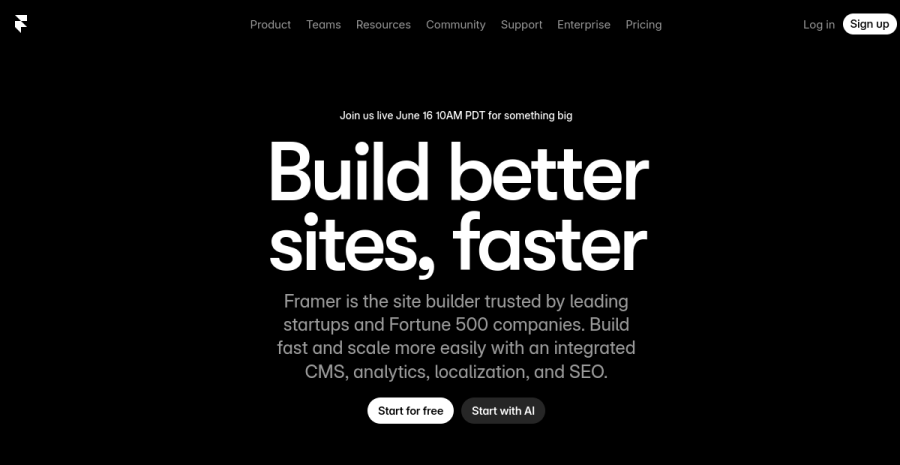
Framer comes from the design world and it shows: real animation, slick interactions and a CMS, with an editor that feels closer to a design tool than a website wizard. If your site itself is part of the pitch — a studio-of-one, a product page, a modern personal brand — Framer produces some of the best-looking results in this list, and it’s faster to learn than Webflow.
The flip side: it’s lighter on built-in business features than Wix (no native store or bookings of the same depth), and the most design-led output rewards people who already think visually. It’s a beautiful canvas, less a do-everything platform.
Pros: outstanding visual output; animations and CMS; quicker to pick up than Webflow. Cons: thinner on commerce/booking features; design-first bias; advanced features sit on higher tiers.
Best for: solos whose brand is design — portfolios, product sites, modern personal brands that need to look current.
Torn between these two specifically? Framer and Webflow are the two design-led builders here, and the choice trips up a lot of solos. The head-to-head — speed vs CMS depth, and which you actually need — is in Framer vs Webflow for solopreneurs.
6. Carrd — when one page is genuinely enough
Carrd
Carrd is the honest minimalist of the group, and it’s only here as the cheap counterpoint: for a personal profile, a waitlist, a link-in-bio or a single product page it’s unbeatable on simplicity and price — Pro is about $19 a year, not a month, with a custom domain. It’s a one-page tool, so it isn’t really a multi-page website builder, but for many solos who think they need a full site, one good page is the actual requirement.
Pros: absurdly cheap; minutes to build; clean results; custom domain on Pro. Cons: one-page format only — not a true multi-page site; forms need third-party integrations; no real CMS or store.
Best for: solos who need a credible single page now and don’t yet need a browsable site. If you outgrow it, move up to Hostinger or Wix.
Website builder vs landing page builder vs AI builder
These three categories get blurred constantly, so to be explicit:
- Website builder (this page) — a multi-page site: home, about, services, blog, contact. The right tool when you need a browsable, credible brand presence. Start with Hostinger for value or Wix/Squarespace for features and polish.
- Landing page builder — one focused page that captures emails or sells one thing, usually with email and checkout wired in. The right tool to launch a single offer fast — see landing page builders for solopreneurs.
- AI website builder — you describe the site in plain language and the tool generates it, then you refine. The fastest blank-to-draft route, with more variance in the result — see AI website builders for solopreneurs.
Most solos want a website builder; reach for a landing page builder when the job is a single campaign, and an AI builder when you’d rather start from a generated draft than a template.
A worked example
Take Karl, a service solo — a freelance accountant — who needs a credible five-page site (home / about / services / pricing / contact) on his own domain. The sticker price isn’t the real number; add domain and hosting and look at year one.
On Hostinger Website Builder, the builder, EU hosting and a free first-year domain come in one subscription at ~€3–4/month billed annually — call it ~€45–50 for the whole first year, one bill. Nothing else to buy.
On Wix, a business-tier plan that actually removes ads and connects his domain runs ~€11–17/month — ~€130–200/year — with the domain free only for year one (then ~€15/year on top).
On Squarespace, the comparable plan sits at ~€14–20/month — ~€170–240/year, domain free the first year.
For a brochure-style site that mostly needs to look professional and load fast, Wix and Squarespace cost roughly three to five times Hostinger in year one — and Karl uses almost none of the extra features that justify the gap.
How to choose
| If you need to… | Use |
|---|---|
| Get a full site live cheaply, hosting included | Hostinger |
| Run bookings / a store / lots of features | Wix |
| Look polished with zero design effort | Squarespace |
| Control every pixel (and learn how) | Webflow |
| Make a design-led, modern site | Framer |
| Ship one simple page for almost nothing | Carrd |
| Launch a single offer with email + checkout | A landing page builder |
The EU footnote
For a European solo, where the site is hosted isn’t a footnote — it’s GDPR. EU data centres mean visitor data stays in the EU and your privacy posture is simpler, and EUR pricing saves you guessing at FX on every renewal. Hostinger runs EU data centres and bills in EUR, which is part of why it’s the value pick here; Wix, Squarespace, Webflow and Framer are fine for EU sites too, but check the data-region and DPA details for your case. And the moment the site takes payment for digital products across EU borders, VAT enters the chat — the builder won’t handle that for you, so pair it with the right setup (start with EU VAT OSS explained).
Bottom line
Pick by the job, not the feature list. The mistake solos make here is paying Wix or Squarespace prices — three to five times the all-in cost — for features a brochure site never touches: the booking engine, the app market, the store sit idle while the bill recurs every month. Unless you know you need bookings, a real store or genuine pixel control, that money is buying reassurance, not capability. So for most one-person businesses the decisive answer is Hostinger: a credible full site, EU hosting and a domain in one bill at a fraction of the cost. Step up to Wix only when the site genuinely has to do a lot, Squarespace when design polish is literally the product, Webflow when you’ll invest the hours to control every pixel, Framer when the site itself is the pitch, and Carrd when one honest page is the real requirement. Then spend the saved week — and the saved €150 — on the business the site is for; that’s the part no builder ships for you.
Start with Hostinger Website BuilderFrequently asked questions
What is the best website builder for a solopreneur?
Wix vs Squarespace vs Webflow — which for a one-person business?
What is the cheapest way to build a professional website?
Do I need a website builder or a landing page builder?
Keep reading
Framer vs Webflow for solopreneurs (2026): which no-code site builder?
Framer vs Webflow, decided for a one-person business — not an agency. Framer wins on speed and design-led output; Webflow wins on CMS depth and pixel control at scale. Which one you actually need, honestly, plus the EU hosting and GDPR angle.
Best AI website builders for solopreneurs (2026): build a site from a prompt
You describe the site, the AI builds it. The best AI website builders for solopreneurs who want to build a website with AI and no developer — compared honestly, with an EU hosting angle.
No single AI makes a whole product: the solo production stack, by product type (2026)
The mistake behind most failed solo builds: expecting one AI to take a product from idea to finished. It doesn't work that way — each model is strong at one link (code, visuals, voice, copy, structure) and mediocre at the rest. Here is the chain for each product type, which kind of tool covers which link, and where a human still has to stand.
Everything here is free. If something saved you time, you can support the author — no product, no signup.