Best time tracking for solopreneurs (2026)
Toggl Track, Clockify, Harvest or RescueTime — the best time tracking for solopreneurs and freelancers. Which tools turn billable hours into invoices and show where your day actually goes.

Solo operator · one-person venture studio in Europe (SEO · affiliate · micro-SaaS) · 12 June 2026 · updated 12 June 2026 · 11 min read

If you are a freelancer or solopreneur, every untracked hour is either a billable hour you forgot to invoice or a slice of your day you cannot account for — and both quietly cost you money. Unlike a salaried employee, nobody hands you a timesheet; the gap between how much you worked and how much you got paid is yours alone to close.
There are really two reasons a one-person business tracks time, and they pull in different directions. One is billing — turning hours into invoices when you charge clients by the hour. The other is awareness — seeing where your week actually goes so you can stop leaking time into admin, context-switching and “quick” tasks that aren’t. The best tool for you depends on which problem is louder.
How I evaluated these. I looked at four things that matter to a solo: friction (does starting a timer take one click or five?), the free-tier ceiling (how long before you have to pay?), the invoicing bridge (do billable hours actually become an invoice, or just a spreadsheet?), and what the tool is really for — manual time-and-billing versus automatic focus tracking. Prices below are public 2026 figures; check vendor pages before committing.
At a glance
| Tool | Free tier | Tracking style | Best for | Starting paid price |
|---|---|---|---|---|
| Toggl Track | Up to 5 users, unlimited entries | Manual, one-click | Friendliest day-to-day tracking | ~€9/user/mo |
| Clockify | Unlimited tracking & projects | Manual, one-click | Generous free tier | ~€4/user/mo |
| Harvest | 1 user, 2 projects | Manual + invoicing | Time → invoice in one tool | ~€11/user/mo |
| RescueTime | 3 months of reports | Automatic, background | Focus & productivity, not billing | ~€6/mo |
1. Toggl Track — the friendliest one-click tracker
Toggl Track
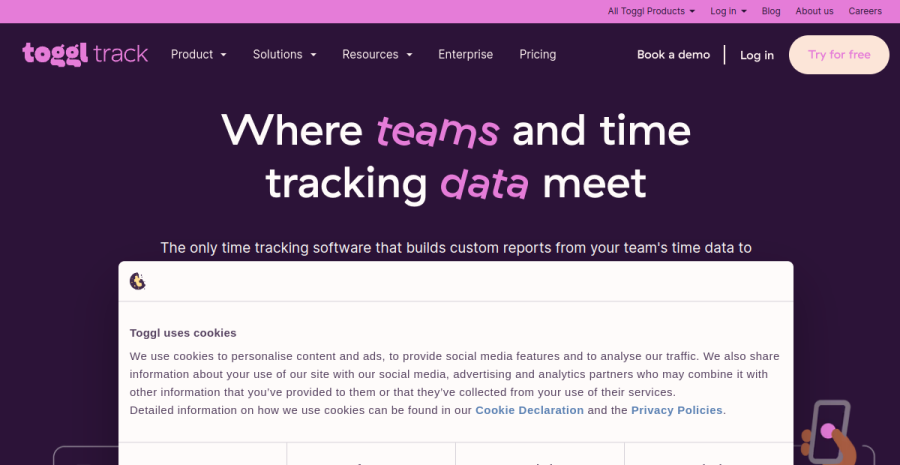
Toggl Track has spent years optimising for one thing: making the act of tracking time so low-friction that you actually do it. The timer is one click from anywhere — desktop app, browser extension, mobile, even a global keyboard shortcut. For a freelancer, that friction is the whole game, because a tracker you forget to start is worse than useless.
The free tier is genuinely usable. Up to 5 users, unlimited time entries, unlimited projects and clients. A solo will not outgrow it for the basics. The standout feature even on free is idle detection and tracking reminders — the desktop app notices when you have been working without a timer running and nudges you to log it, which is exactly the failure mode that kills most time-tracking habits.
Billable hours and reports. Mark a project or task billable, set a rate, and Toggl reports the value of your tracked time. The paid Starter tier (~€9/user/month) adds billable rates, project-time estimates and rounding. Toggl does not invoice directly — you export billable hours (CSV/PDF) or push them via integration into your invoicing tool.
Worked example. A Tallinn-based freelance developer juggles three retainer clients. They start a timer per task with two keystrokes, tag each entry billable at €60/hour, and at month-end export a per-client report showing 38, 22 and 15 hours. That report drops straight into their invoicing tool. Cost on the free tier: €0 — they only move to paid when they want automatic rounding to the nearest 15 minutes.
Pros: lowest-friction tracking; idle detection and reminders; clean reports; strong free tier. Cons: no built-in invoicing (export only); billable rates are a paid feature.
2. Clockify — the most generous free tier
Clockify
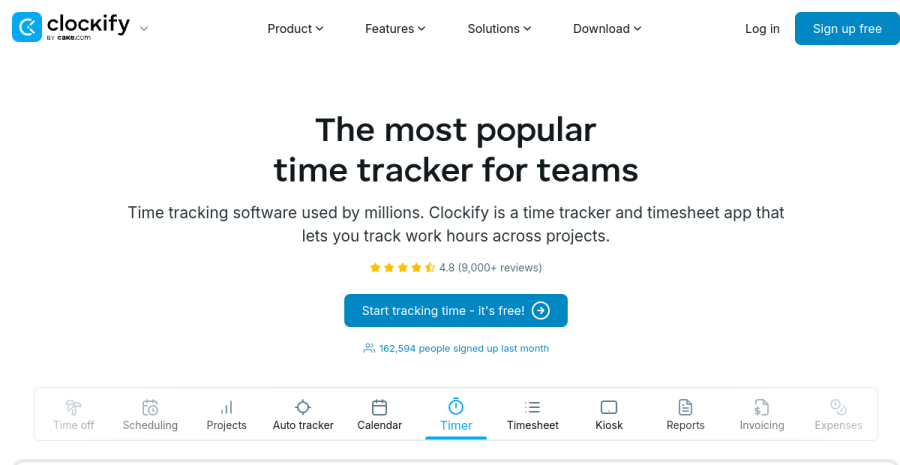
Clockify’s pitch is blunt and effective: the core time tracker is free, forever, with no caps that matter to a solo. Unlimited tracking, unlimited projects, unlimited clients — and unlimited users, which is unusual. If budget is the deciding factor, nothing else in this list competes on raw free-tier ceiling.
What you get for nothing. A timer (one-click, desktop and browser), a manual timesheet view for entering hours after the fact, projects, tags and basic reports. For a freelancer who just needs an honest record of hours per client, the free plan is a complete tool, not a teaser.
Where the money starts. Billable rates, time rounding, and a detailed reporting suite sit behind the paid tiers (from ~€4/user/month — the cheapest serious plan here). Clockify also bolts on adjacent modules — scheduling, expenses, a basic invoicing add-on — but the email-and-invoice flow is less polished than Harvest’s. Treat invoicing as export-and-import rather than native.
The trade-off. The interface is denser and more utilitarian than Toggl’s — it feels like operations software rather than something you enjoy opening. There is no idle-detection nudge as slick as Toggl’s, so the tracking habit leans more on your own discipline.
Worked example. A Riga-based freelance copywriter tracks five small clients, billing €45/hour. They live entirely on the free plan, entering hours via the manual timesheet at the end of each day, then export a monthly CSV per client. Cost: €0. They consider paid only when they want billable-rate totals calculated automatically instead of in a spreadsheet.
Pros: the most generous free tier; cheapest paid plan; unlimited everything; manual timesheet entry. Cons: denser UI; weaker tracking nudges; invoicing is bolt-on, not native.
3. Harvest — time and invoicing in one tool
Harvest
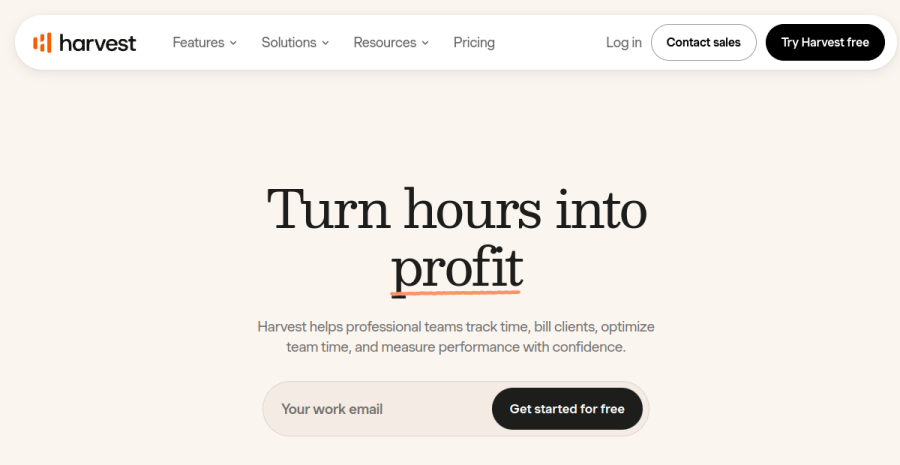
Harvest is the tool to reach for when the reason you track time is to bill it. It is a time tracker with invoicing built in — tracked hours flow straight into a line-itemed invoice you can send from inside the app, with payment collected via Stripe or PayPal. For an hourly freelancer, that closing of the loop is the entire value.
The billing bridge done right. Track time against a client project, mark it billable, and Harvest assembles those hours into an invoice with one action — no export, no second tool, no spreadsheet. It also handles expenses, sends payment reminders to slow-paying clients, and shows you which invoices are outstanding. This is the workflow Toggl and Clockify make you stitch together manually.
The free plan is tighter. One user (fine for a solo) but only two active projects — enough to try the full flow, not enough to run a multi-client business long term. The paid plan (~€11/user/month) lifts that to unlimited projects and clients, which is where most working freelancers land. It is the most expensive entry point here, but you are paying for the invoicing layer, not just the timer.
Where it is weaker. As a pure tracker, Harvest is good but not as frictionless as Toggl, and there is no automatic background tracking — it is deliberately manual. If billing is not your reason for tracking, you are paying for a feature you will not use.
Worked example. A Vilnius-based freelance designer bills three clients at €70/hour. They track each task in Harvest, and on the 1st of the month generate three invoices directly from tracked hours — 28, 19 and 11 hours — each sent with a Stripe payment link. The two-project free cap forced the upgrade months ago; at ~€11/month the time saved on invoicing pays for itself in the first hour.
Pros: tracked hours become a sent invoice in one tool; expenses and payment reminders; Stripe/PayPal collection. Cons: restrictive free tier (2 projects); priciest paid plan; manual-only tracking.
4. RescueTime — automatic focus and productivity tracking
RescueTime
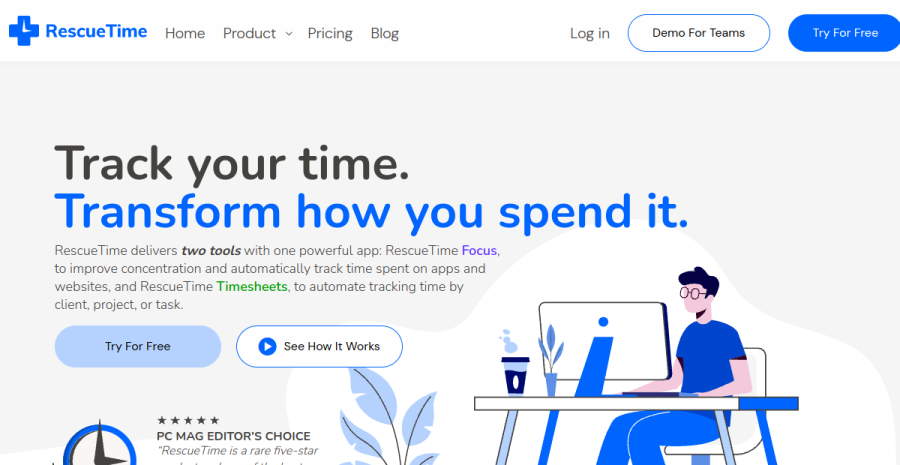
RescueTime is the odd one out here, and deliberately so. It does not track billable hours — it tracks you. Running quietly in the background, it logs which apps and websites you actually used and categorises them as focused work or distraction, then shows you the truth about where your week went. For a solopreneur, that answer is often uncomfortable and exactly what you needed.
Automatic, not manual. There is no timer to start or forget. RescueTime watches in the background and produces a productivity score, daily focus reports and alerts (“you have spent 90 minutes on social media today”). The paid FocusTime feature can actively block distracting sites during deep-work blocks. This is the opposite philosophy to the other three: zero tracking effort, zero billing output.
Who it is for. If your problem is not invoicing but attention — you finish the day unsure where six hours went — RescueTime is the tool that diagnoses it. It pairs well with a manual tracker rather than replacing one: Toggl tells you what you billed, RescueTime tells you what you actually did.
The limits. It produces no invoice, no billable-hour report and no client-facing output. Some solos also find passive monitoring of their own activity uncomfortable, and the categorisation needs tuning before the data is trustworthy. The free plan keeps about three months of history; the paid plan (~€6/month) unlocks full history and FocusTime.
Pros: fully automatic; honest picture of focus vs distraction; distraction-blocking; no daily effort. Cons: no billing or invoicing output at all; passive monitoring can feel intrusive; needs tuning.
A worked example
Take Mart, a freelance developer in Tartu billing three clients hourly at €60. He already tracks fine on Clockify’s free plan — the only question is whether to pay €12/month for Harvest so tracked hours become invoices automatically. The honest maths: building three monthly invoices by hand from a CSV export takes him roughly 40 minutes each, call it 2 hours a month of copy-paste, rate lookups and PDF fiddling. At his effective €60/hour, that recovered time is worth about €120/month — against Harvest’s €12. Even if you discount “saved admin time” heavily, because nobody pays him to make invoices, the break-even is brutal: Harvest only has to save him 12 minutes a month to pay for itself. For a one-client hobby freelancer the free tier is plenty; the moment you are invoicing three or more hourly clients every single month, the paid tier is not a luxury, it is cheaper than doing it yourself.
How to choose
| If you are… | Start with |
|---|---|
| A freelancer who wants tracking to just happen | Toggl Track (one-click, free) |
| Watching every euro and juggling many clients | Clockify (most generous free tier) |
| Billing clients by the hour and tired of separate invoicing | Harvest (time → invoice in one) |
| Struggling with focus, not billing | RescueTime (automatic, diagnostic) |
| Doing fixed-price work but curious where time goes | Toggl Track or RescueTime for a 2-week audit |
The honest answer for most solopreneurs: Toggl Track if you want a friendly tracker, Harvest if hours must become invoices, Clockify if budget is everything, RescueTime if the real problem is focus. The common mistake in this category is treating tracking as the goal — solos obsess over picking the “perfect” tracker, install it, then quietly stop logging within a fortnight because they never tied tracking to a real outcome. Tracking is only worth anything when it ends in something: an invoice that gets sent, or a decision to stop leaking time. So pick by your output, not your timer. If you bill hourly, go straight to Harvest and let hours become invoices — the saved admin pays for it many times over. If you bill fixed-price or product work, use Toggl free (or RescueTime) for one honest 30-day audit, act on what it shows, and do not pay for a tracker you will not open. The wrong move is a week of comparison; all four have a free tier long enough to test on one real project, so commit to one today.
EU footnote: from billable hours to a sent invoice
Tracking hours is only half the job — those hours have to become a compliant invoice with the right VAT treatment, sequential numbering and client details that an EU tax authority will accept. Harvest closes that loop inside one tool; with Toggl or Clockify you export billable hours and feed them into dedicated billing software.
Wherever the hours land, the invoice itself is where EU-specific rules bite: reverse-charge VAT for cross-border B2B clients, the KMKR/VAT-number checks, and proper record retention. For the tools that turn tracked time into a legally clean invoice — and handle the accounting behind it — see our invoicing & accounting roundup. The bridge is simple: billable hours in, a compliant invoice out.
Cross-links: a tracker only helps inside a system — see time management for solopreneurs and the time-management mistakes that quietly cost you. For the full stack a one-person business actually runs on — from accounting to website to email — see our best tools for solopreneurs roundup.
Frequently asked questions
What is the best time tracker for a freelancer?
Best free time tracking app?
Time tracking that connects to invoicing?
Do solopreneurs even need time tracking?
Keep reading
Best PandaDoc templates for freelancers (2026): service agreements, proposals, contracts & quotes
The six PandaDoc templates a freelancer actually needs — service agreement, proposal, quote, retainer, change order, invoice — what a good one contains, how to adapt the gallery versions, and a free contract template if you do not want a subscription. PandaDoc's gallery can carry most of a freelancer's paperwork — if you pick the right templates and adapt them properly. The six document templates a solo actually needs, what a good one contains, and how to customise merge fields, pricing tables and signing order.
Running a one-person business in France (2026): the complete toolkit
How to run a freelance business in France as a solo operator — the complete toolkit of tools for freelancers in France, from micro-entrepreneur legal setup and banking to accounting, e-invoicing, hosting and insurance.
Running a one-person business in Spain (2026): the complete toolkit
How to run a freelance business in Spain as a solo operator — the complete toolkit of tools and software for autónomos in Spain, from alta de autónomo and banking to accounting, e-invoicing (Verifactu), hosting and insurance.
Everything here is free. If something saved you time, you can support the author — no product, no signup.