Best social media scheduler for a team of one (2026): Buffer, SocialBee, Publer & Metricool pricing compared
Buffer, SocialBee, Publer or Metricool — the best social media scheduler for solopreneurs and a team of one. EU-first picks to schedule posts across every platform from a single dashboard.

Solo operator · one-person venture studio in Europe (SEO · affiliate · micro-SaaS) · 12 June 2026 · updated 12 June 2026 · 9 min read

For a team of one, distribution is the bottleneck. You can write the post, design the carousel, record the clip — but actually showing up consistently on three or four platforms, every week, without a marketing hire, is where most solo businesses quietly fall off. A social media scheduler is the tool that turns “I should post more” into a queue that runs itself while you do the actual work.
How I evaluated these. I looked at four things that matter when one person is doing everything: the free tier ceiling (how many channels and posts before you pay?), how many platforms it connects (Instagram, LinkedIn, X, Facebook, Pinterest, TikTok, the newer networks), whether it can recycle evergreen content so you are not writing from scratch every week, and how much setup the thing demands before your first post ships. Prices below are public 2026 figures; check vendor pages before committing — social platform API changes move pricing around more than in most categories.
At a glance
| Tool | Free tier | Recycling / queues | Best for | Starting paid price |
|---|---|---|---|---|
| Buffer | 3 channels, 10 posts each | Basic queue | Simple, generous free tier | ~€5/mo per channel |
| SocialBee | 14-day trial | ✅ Content categories | Recycling evergreen content | ~€24/mo |
| Publer | 3 accounts, limited posts | ✅ Recycle + bulk | Most features for the price | ~€7/mo |
| Metricool | 1 brand, 50 posts/mo | ✅ Queues + auto-lists | Scheduling + analytics in one | ~€13/mo |
1. Buffer — the simplest place to start
Buffer
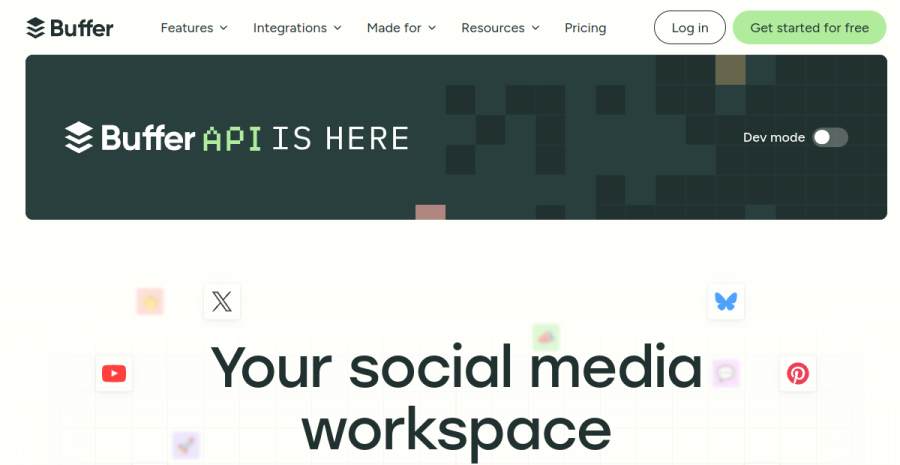
Buffer is the tool I recommend to anyone who has never used a scheduler. There is nothing to learn: connect a channel, drop posts into the queue, set your posting times, and Buffer publishes for you. The interface gets out of the way, which is exactly what you want when the goal is to build a posting habit rather than master a platform.
The free tier is genuinely free. Three channels, ten scheduled posts each, no trial clock. For a solopreneur posting to, say, LinkedIn, Instagram and one more network, that is enough to run a real schedule indefinitely. When you outgrow it, pricing is per-channel (~€5/month each), which keeps a tight one-person setup cheap but gets expensive if you fan out across many networks.
Where it shows its limits. Buffer’s analytics are basic on the free and entry tiers, and it has no true content-recycling engine — once a post publishes, it is gone unless you re-queue it manually. The per-channel pricing model also means a solo running six platforms pays more here than on a flat-rate competitor.
Pros: the most generous free tier; the simplest UI in the category; reliable publishing. Cons: per-channel pricing scales badly across many networks; weak built-in analytics; no auto-recycling.
2. SocialBee — built around recycling evergreen content
SocialBee
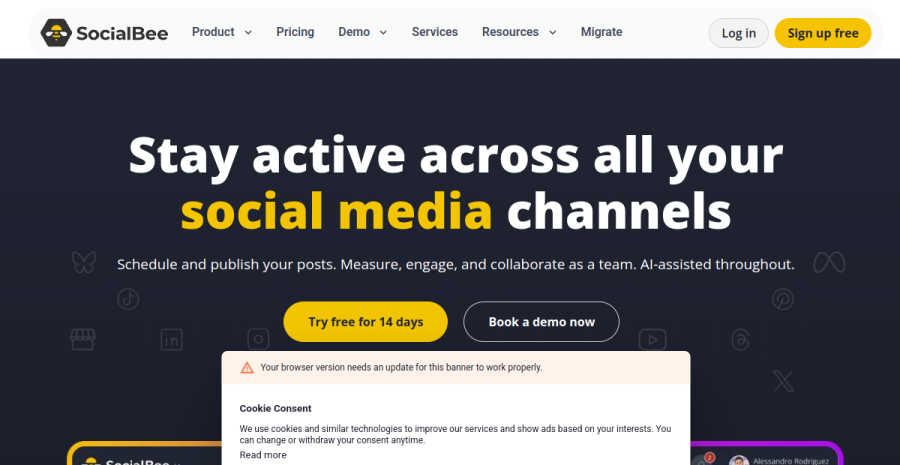
SocialBee’s whole philosophy is that a solopreneur should never run out of things to post. You sort content into categories — tips, quotes, blog links, promos — and SocialBee cycles through them on a schedule you set, re-sharing evergreen posts automatically so a good post keeps working for months instead of disappearing after one publish.
When it makes sense. You produce evergreen content — a library of advice posts, case studies, product links — and you want to keep a queue full without writing something new every day. The category system means you set up your buckets once and the queue effectively runs itself, which is a real lever for a one-person operation short on time.
The trade-off. There is no free tier, only a 14-day trial, and entry pricing (~€24/month) is the highest of the four here. The category setup also takes more upfront thought than Buffer’s drop-it-in-the-queue model — it rewards a bit of planning, which is the point, but it is not the tool you reach for if you just want to schedule next week’s posts in five minutes.
Pros: best-in-class content recycling; category-based queues keep evergreen content alive; solid platform coverage. Cons: no free tier; higher entry price; more setup before the first post ships.
3. Publer — the most features for the money
Publer
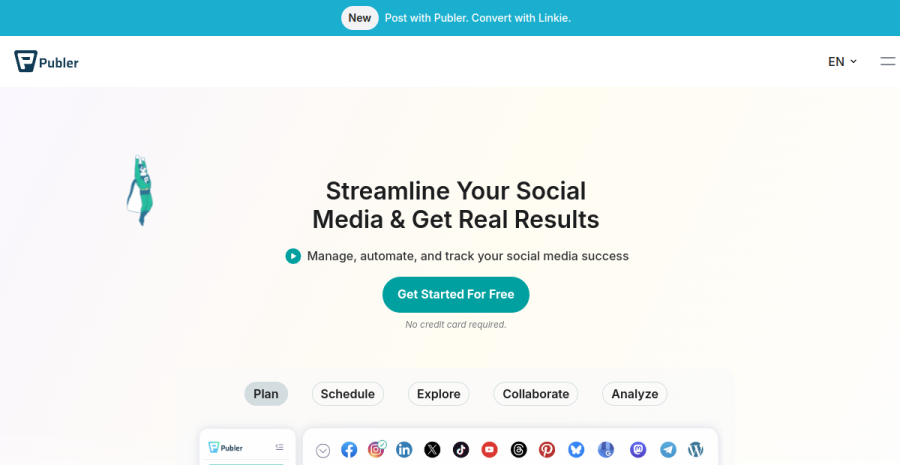
Publer is the value pick. For roughly €7/month it bundles things that competitors charge a premium for or split across tiers: post recycling, bulk scheduling (upload a CSV and queue dozens of posts at once), a built-in AI assistant for captions, link-in-bio pages, and wide network coverage including newer platforms.
The free tier does real work. Three social accounts and a capped number of scheduled posts — enough for a solopreneur to test the workflow before paying. Where Publer earns its place is the paid plan: the feature density per euro is the best in this roundup, which matters when you are funding the whole stack out of one income.
Where it falls short. All that capability comes with more interface to navigate than Buffer’s — Publer is feature-dense, not minimalist, so the learning curve is steeper. Analytics are decent but not its headline strength; if reporting is your priority, Metricool edges it.
Pros: the most features per euro; recycling and bulk scheduling included cheaply; broad network support. Cons: busier UI than Buffer; analytics are good-not-great; the sheer number of options can overwhelm at first.
4. Metricool — scheduling and analytics in one dashboard
Metricool
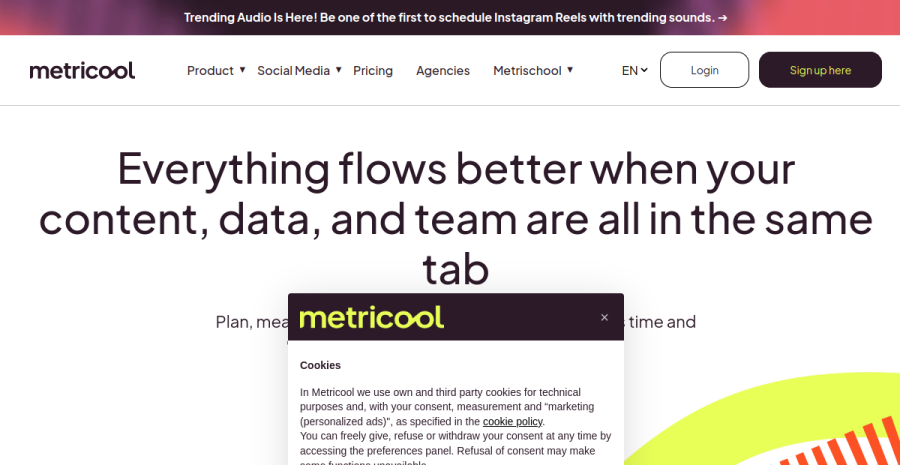
Metricool is the tool to choose when you want to know whether posting is actually working. Most schedulers treat analytics as an afterthought; Metricool was built as an analytics platform first and a scheduler second, so you get genuine cross-network reporting — best times to post, competitor benchmarks, link tracking — in the same dashboard where you queue content.
When it makes sense. You are past the “just post something” stage and want to make decisions with data: which platform earns engagement, what time your audience shows up, whether the effort converts. For a solopreneur who wants one login for both publishing and measurement, Metricool removes a whole second tool from the stack.
The trade-off. The free tier is real but tighter on scheduled posts per month than Buffer’s, and the analytics depth means more to take in — it is a dashboard you grow into, not the fastest way to fire off three posts. If you only need to schedule and do not care about reporting yet, it is more tool than you need.
Pros: the strongest analytics in the category; scheduling and reporting in one place; wide network coverage including newer platforms. Cons: monthly post cap on the free tier; more to learn than a pure scheduler; analytics depth is wasted if you only want to queue posts.
A worked example
Take Liis, a solo consultant in Tallinn posting to LinkedIn, Instagram and X — three platforms, five days a week, so ~15 posts weekly, ~65 a month. On Buffer’s free tier her three channels are covered, but the ten-scheduled-posts-per-channel cap means she is forever topping up the queue by hand rather than batching a month ahead; the limit isn’t the channels, it’s the queue depth. Upgrading Buffer to schedule freely costs ~€5/month per channel — €15/month for her three. Publer’s paid plan (~€7/month flat) covers the same three networks plus recycling and bulk CSV upload, so she writes one batch, queues a month in an afternoon, and pays less than half. The real cost isn’t the subscription — it’s the hour a week she’d otherwise lose re-queuing. At three-plus platforms, per-channel pricing quietly overtakes a flat-rate tool: Buffer is cheapest at one or two channels, Publer wins from three up.
How to choose
| If you are… | Start with |
|---|---|
| New to scheduling and want the simplest free start | Buffer (3 channels free) |
| Sitting on a library of evergreen content to recycle | SocialBee (content categories) |
| Funding the whole stack and want maximum features per euro | Publer (most for the price) |
| Past “just post” and want analytics with your scheduling | Metricool (publish + measure) |
| Running many platforms and watching per-channel costs | Publer or Metricool (flat-rate) |
The honest answer for most solopreneurs: Buffer to build the habit, Publer when you want more for less, Metricool when you want the data, SocialBee when recycling is the whole point. The common mistake in this category is buying the analytics-heavy tool before you have a posting habit — solos pick Metricool or a feature-stuffed plan, get absorbed in dashboards and best-time-to-post charts, and use the metrics as a sophisticated way to avoid actually shipping content. You cannot analyse a feed you are not posting to. So sequence it: start on Buffer’s free tier, build the boring weekly habit until posting is automatic, and only then graduate to Publer (flat-rate, recycling, best value once you are past two channels) or Metricool (when you genuinely have enough data to act on). Watch the per-channel trap, too — the moment you run three or more platforms, Buffer’s per-channel pricing overtakes a flat-rate plan, and Publer becomes both cheaper and more capable. Recycle evergreen content with SocialBee only once you actually have a library worth recycling.
EU footnote: one idea, repurposed across every channel
The real unlock for a team of one is not posting more — it is making one idea travel further. A single insight becomes a LinkedIn post, an Instagram carousel, an X thread and a short clip, all queued from the same dashboard. A scheduler is the distribution layer; the content layer sits upstream of it — the strategy it serves (one platform, batched weekly, funnelled to email) is social media for solopreneurs. To produce that one idea in four formats without a content team, see our AI creator tools roundup — that is where the carousel, the script and the captions come from. And remember social reach is borrowed, not owned: use these schedulers to grow an audience, then move the people who matter onto a channel you control. Our email marketing roundup covers the one channel a solo business actually owns — the place a follower becomes a contact you can reach without an algorithm’s permission.
None of these four are EU-headquartered, which is the norm in this category, but all are GDPR-compatible and offer a Data Processing Agreement — sign it, the same as you would for any processor, and you are covered for scheduling posts that contain no personal subscriber data.
For the full picture of what a one-person business actually needs to run, see our roundup of the best tools for solopreneurs.
Frequently asked questions
What is the best social media scheduler for a solopreneur?
What is the cheapest social media scheduling tool?
Can one person manage multiple platforms?
Is there a free social media scheduler?
Keep reading
No single AI makes a whole product: the solo production stack, by product type (2026)
The mistake behind most failed solo builds: expecting one AI to take a product from idea to finished. It doesn't work that way — each model is strong at one link (code, visuals, voice, copy, structure) and mediocre at the rest. Here is the chain for each product type, which kind of tool covers which link, and where a human still has to stand.
Best AI customer support tools for solopreneurs (2026): chatbots & live chat, honestly
For a one-person business the real question isn't 'which live chat' — it's whether you need chat at all, or an AI trained on your docs plus a great FAQ. Crisp, Tidio, Chatbase, Intercom and the free options compared, with the EU angle: a chat log is personal data.
Social media for solopreneurs (2026): one channel, batched, honest
A workable social media strategy for a one-person business — pick ONE platform where your buyers are, batch a week in an afternoon, repurpose everything, let AI draft but keep your voice, and measure enquiries instead of likes. Plus what social can't do: replace an owned audience.
Everything here is free. If something saved you time, you can support the author — no product, no signup.