Best automation tools for solopreneurs: Make vs Zapier vs n8n (2026)
The best automation tools for solopreneurs and one-person businesses: Make vs Zapier vs n8n compared, plus Pabbly. EU-first take with self-host and GDPR data-control angles the US lists skip.

Solo operator · one-person venture studio in Europe (SEO · affiliate · micro-SaaS) · 12 June 2026 · updated 12 June 2026 · 11 min read

Automation is the team-of-one’s leverage. You cannot hire, so the only way to add hands to your business is to wire your tools together and let them do the repetitive work while you sleep. The right automation platform turns a dozen daily copy-paste chores — new sale to spreadsheet, form fill to welcome email, invoice paid to bookkeeping — into background plumbing you never think about again. The wrong one drains your budget on tasks you barely use, or locks your customer data inside a US middleman you have to disclose to every EU client. This is the comparison that decides which.
How I evaluated these. I looked at four things that actually matter to a solo: the real cost at solo volume (task- vs operations-based pricing punishes you differently as you grow), the learning curve (can you build a useful workflow in an afternoon, or does it need a developer?), data control and GDPR stance (does your customer data sit inside a US SaaS, or can you keep it on EU/own infrastructure?), and integration breadth (does it connect the specific apps your stack already uses?). Prices below are public 2026 figures — check vendor pages before committing, because automation pricing tiers change often.
At a glance
| Tool | Free tier | Pricing model | Self-host / data control | Best for | Starting paid price |
|---|---|---|---|---|---|
| Make | 1,000 ops/mo, 2 scenarios | Operations | ❌ Cloud only (EU region) | Visual, powerful, good value | ~€9/mo |
| Zapier | 100 tasks/mo, 2-step Zaps | Tasks | ❌ Cloud only (US) | Most integrations, easiest | ~€20/mo |
| n8n | Free self-hosted (unlimited) | Self-host / executions | ✅ Self-host anywhere | Self-host, dev-friendly, GDPR | €0 self-host · ~€20/mo Cloud |
| Pabbly Connect | 100 tasks/mo | Tasks (flat) | ❌ Cloud only | Cheapest flat pricing | ~€16/mo |
1. Make — visual, powerful, the best value
Make
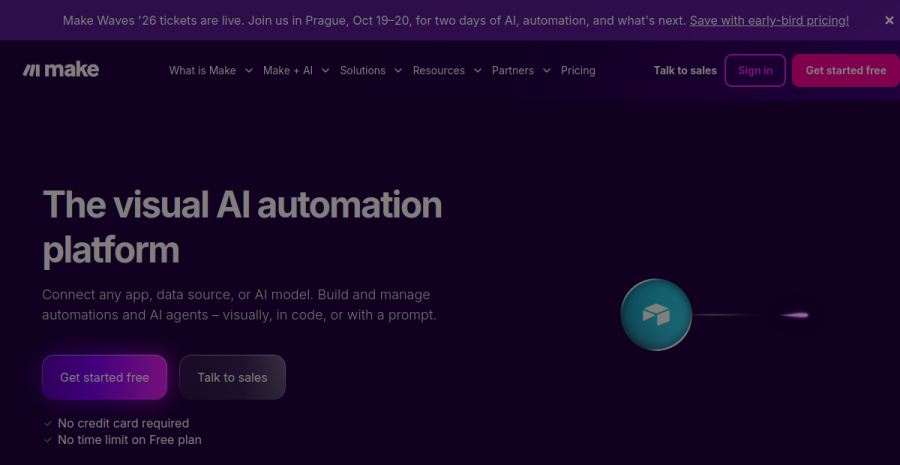
Make (formerly Integromat) gives a solopreneur the most automation power per euro. Its defining feature is the visual scenario builder — a canvas where you drag modules, draw the connections between them and watch data flow through bubble by bubble. For anyone who thinks in flowcharts, it is the most intuitive of the four; for anyone who thinks in spreadsheets, it takes an afternoon to click.
Why it wins on value. Make bills by operations — each individual step a scenario runs — rather than by whole tasks, and the rate is generous. A single Zap step in Zapier that processes ten records can cost ten tasks; in Make the same work is a fraction of the price. For a solo running several busy workflows, the monthly bill is routinely a third of the Zapier equivalent. The free tier (1,000 operations, two active scenarios) is enough to run a real workflow before you pay anything. For the two side by side on price, power and learning curve, see the Make vs Zapier head-to-head.
Where it shows its limits. The power comes with a slightly steeper curve than Zapier — routers, iterators and array handling reward you for understanding data structures. The app library is large but not the largest, so a rare niche tool might be Zapier-only. And it is cloud-only: your data passes through Make’s infrastructure (EU region available), so it is a processor you must list in your GDPR documentation.
Worked example. A Tallinn freelance designer wires Stripe → Google Sheets → Brevo: every new client payment logs to a revenue sheet and triggers a welcome email with the project brief. Roughly 40 payments a month, 3 operations each = ~120 operations. Cost: €0 on the free tier, with thousands of operations to spare before the ~€9/month Core plan is needed.
Pros: best power-for-price; superb visual builder; operations pricing scales cheaply; EU data region available. Cons: steeper than Zapier for beginners; app library smaller than Zapier’s; cloud-only.
2. Zapier — the most integrations, the easiest start
Zapier
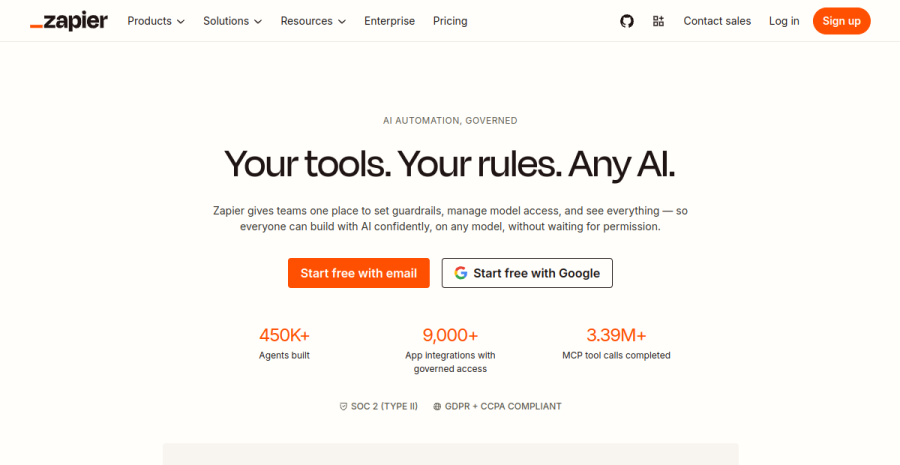
Zapier is the default for a reason: it connects more apps than anyone else (7,000+) and its setup is the gentlest in the category. A Zap is a simple “when this happens, do that” chain — pick a trigger app, pick an action app, map the fields, turn it on. No canvas, no data structures, no jargon. If you have never automated anything, you will have a working workflow in fifteen minutes.
Why it still wins for some solos. Breadth. If your stack includes an obscure tool — a niche CRM, a regional payment provider, a specialist scheduling app — the odds it integrates with Zapier and only Zapier are higher than with any competitor. For a business built on an unusual app combination, Zapier is sometimes the only option that connects all the pieces without custom code.
The catch is the bill. Zapier charges by tasks — every action step counts — and the per-task rate is the highest here. A multi-step Zap that fires often eats your task quota quickly, and the jump from free (100 tasks) to a plan that covers real usage is steep. For a solo running high-volume workflows, Zapier is frequently the most expensive choice by a wide margin. It is also US-based cloud only, so EU customer data crosses the Atlantic under standard contractual clauses.
Worked example. A Berlin consultant runs three simple 2-step Zaps: Calendly booking → Notion, contact form → email alert, invoice paid → Slack ping. About 250 tasks a month. That exceeds the free tier, so they pay the ~€20/month Starter plan — workable, but note that adding a fourth busy workflow can push them to the next tier fast.
Pros: most app integrations of any tool; gentlest learning curve; rock-solid reliability; huge template library. Cons: task pricing is the most expensive at volume; US-based cloud only; less powerful than Make for branching logic.
3. n8n — self-host, developer-friendly, GDPR-first
n8n
n8n is the automation tool for solopreneurs who want to own their stack. It is source-available and can be self-hosted: run it on your own VPS and you get unlimited workflows and executions for the cost of the server alone — a few euros a month. The builder is node-based and visual like Make, but with a developer’s escape hatch: drop into a Code node and write JavaScript whenever the no-code path runs out.
The GDPR and data-control advantage. This is the headline reason an EU solo picks n8n. When you self-host on an EU server, every payload your workflows touch — customer names, emails, order data — stays on infrastructure you control, inside the EU, never routed through a US SaaS middleman. There is no third-party automation sub-processor to disclose, and no cross-border transfer to justify in your records of processing. For privacy-conscious audiences, “your data never leaves our servers” is a genuine trust signal, not just a compliance checkbox.
The trade-off is operational. Self-hosting means you run the server, apply updates and own uptime. It rewards anyone comfortable with a small VPS and punishes anyone who is not. If that is not you, n8n Cloud (with an EU region) keeps most of the data-residency benefit and removes the maintenance — at a price competitive with Make and below Zapier at volume.
Worked example. A Vilnius developer-solopreneur self-hosts n8n on a €5/month VPS and runs a dozen workflows: lead capture, CRM sync, daily report generation, social cross-posting, invoice automation. Volume is irrelevant to the bill — executions are unlimited on self-host. Total monthly cost: ~€5 for the server, with full control over where every byte of customer data lives.
Pros: free and unlimited when self-hosted; data stays on your own EU infrastructure; node-based builder with a real code escape hatch; strong GDPR posture. Cons: self-hosting requires server upkeep; smaller app library than Zapier; Cloud tier needed if you want zero maintenance.
4. Pabbly Connect — the cheapest flat pricing
Pabbly Connect
Pabbly Connect is the budget pick for solos who want predictable costs without the overhead of self-hosting. It does the same job as Zapier — trigger-and-action workflows across hundreds of apps — but undercuts everyone on price. Multi-step workflows and internal steps (filters, routers, formatters) do not count against your task quota the way they do elsewhere, so your real cost per useful workflow is lower.
The pricing angle that matters. Pabbly is best known for its lifetime deals and flat monthly plans: pay once or pay a low predictable monthly fee, and the task allowance is generous. For a solopreneur who hates metered surprises, the appeal is a bill that does not balloon when a launch day spikes your volume.
Where it falls short. The integration library is smaller than Make’s and far smaller than Zapier’s, so check your specific apps are supported before committing. The interface is more utilitarian than polished, and it lacks the visual elegance of Make or the developer depth of n8n. It is cloud-only, with no self-host or dedicated EU data-residency story — so for strict GDPR cases, n8n remains the better fit. As pure value for straightforward automations, though, nothing beats it on price.
Pros: cheapest mainstream option; flat and lifetime pricing; internal steps do not burn quota. Cons: smaller app library; dated interface; no self-host or EU-residency option.
A worked example
Meet Andrej, a solo course-creator in Riga running three automations. Each launch, his stack does the same work: Stripe sale → add buyer to spreadsheet → tag in email tool → post a Slack ping → grant course access. That is roughly 5 steps per sale. Quiet months he sees ~80 sales; a launch week he sees 600. Watch how the same workload prices out. On Zapier (tasks), 5 steps × 80 sales = 400 tasks/month — past the free 100, so the ~€20/month Starter plan; a 600-sale launch month is 3,000 tasks and blows that tier entirely, pushing him toward the ~€50+ Professional plan. On Make (operations), the same 400 ops sits inside the ~€9/month Core plan with thousands to spare, and even a 3,000-op launch barely dents it. The crossover point is brutally clear: above roughly 250–300 tasks a month, Zapier’s per-task model starts costing 2–3× Make for identical work. Self-hosted n8n flatlines the whole equation — €5/month VPS, volume irrelevant. The decision: Andrej uses Make for value, and only stays on Zapier for the one niche app (his regional invoicing tool) that integrates nowhere else.
How to choose
| If you are… | Start with |
|---|---|
| Building busy, branching workflows on a budget | Make (operations pricing, best value) |
| New to automation or need a rare app integration | Zapier (easiest + widest library) |
| Privacy-first, technical, want data on your own EU server | n8n (self-host, GDPR control) |
| Cost-obsessed and want predictable flat pricing | Pabbly Connect (cheapest) |
| Running mostly simple 2-step “when X do Y” chains | Zapier free → Pabbly when you outgrow it |
| Handling sensitive EU customer data through workflows | n8n self-hosted (no third-party processor) |
The honest answer for most solopreneurs: Make for value-and-power, Zapier if you need the breadth or the gentlest start, n8n if data control is non-negotiable, Pabbly if price is the only thing that matters. The recurring solo mistake here is defaulting to Zapier because it is the name everyone knows, then quietly bleeding €50–€80 a month once a couple of multi-step workflows start firing at volume — task pricing punishes exactly the busy automations that make automation worth doing. Pick Zapier deliberately, for breadth or for one Zapier-only integration, not by reflex; for everything else Make does the same job at roughly a third of the bill. And do not over-build: automate the three or four workflows that actually eat your week, let one run reliably for a month before adding the next, and never automate a process you have not first done by hand enough times to trust.
EU footnote: why self-hosted n8n is the GDPR power move
For most automation use cases, the cloud tools here are perfectly GDPR-compatible: they offer Data Processing Agreements, EU data regions (Make, n8n Cloud) and standard contractual clauses for transfers (Zapier). What changes the calculus for EU solopreneurs is self-hosted n8n.
When you run n8n on your own server inside the EU, the automation layer disappears from your list of third-party sub-processors entirely. Every payload — every name, email and order detail that flows through a workflow — stays on infrastructure you control and never leaves the EU. There is no cross-border transfer to document, no extra processor to disclose in your privacy policy, and no dependency on a US SaaS provider’s compliance posture. Your data stays in your control. The price is operational — you maintain the server — but for a privacy-first one-person business handling customer data, it is the strongest data-control position available, and a credible trust signal for European clients who care where their data sleeps.
Cross-links: for the wider stack a one-person business runs on, see our best tools for solopreneurs roundup. And if you are wiring AI into those automations — drafting, summarising, classifying inside your workflows — read the AI tools roundup for the models worth connecting.
Frequently asked questions
Do solopreneurs need automation tools?
Make vs Zapier — which for a one-person business?
What is the cheapest automation tool?
Is self-hosted n8n worth it for GDPR/data control?
Keep reading
Make vs Zapier for solopreneurs (2026): which automation tool to pick
Make vs Zapier for a one-person business — the polished market leader with the widest app library versus the visual scenario builder that goes further for less at volume. The honest fit-comparison, who each suits, the cost-at-scale angle, and where n8n fits. From a team of one.
Framer vs Webflow for solopreneurs (2026): which no-code site builder?
Framer vs Webflow, decided for a one-person business — not an agency. Framer wins on speed and design-led output; Webflow wins on CMS depth and pixel control at scale. Which one you actually need, honestly, plus the EU hosting and GDPR angle.
How to automate your one-person business (2026): the leverage playbook
A practical framework to automate a one-person business: audit your repetitive weekly tasks, decide delete/simplify/automate, then wire up lead capture, invoicing, publishing, onboarding, reporting and support — with the honest cautions on over-automating.
Everything here is free. If something saved you time, you can support the author — no product, no signup.